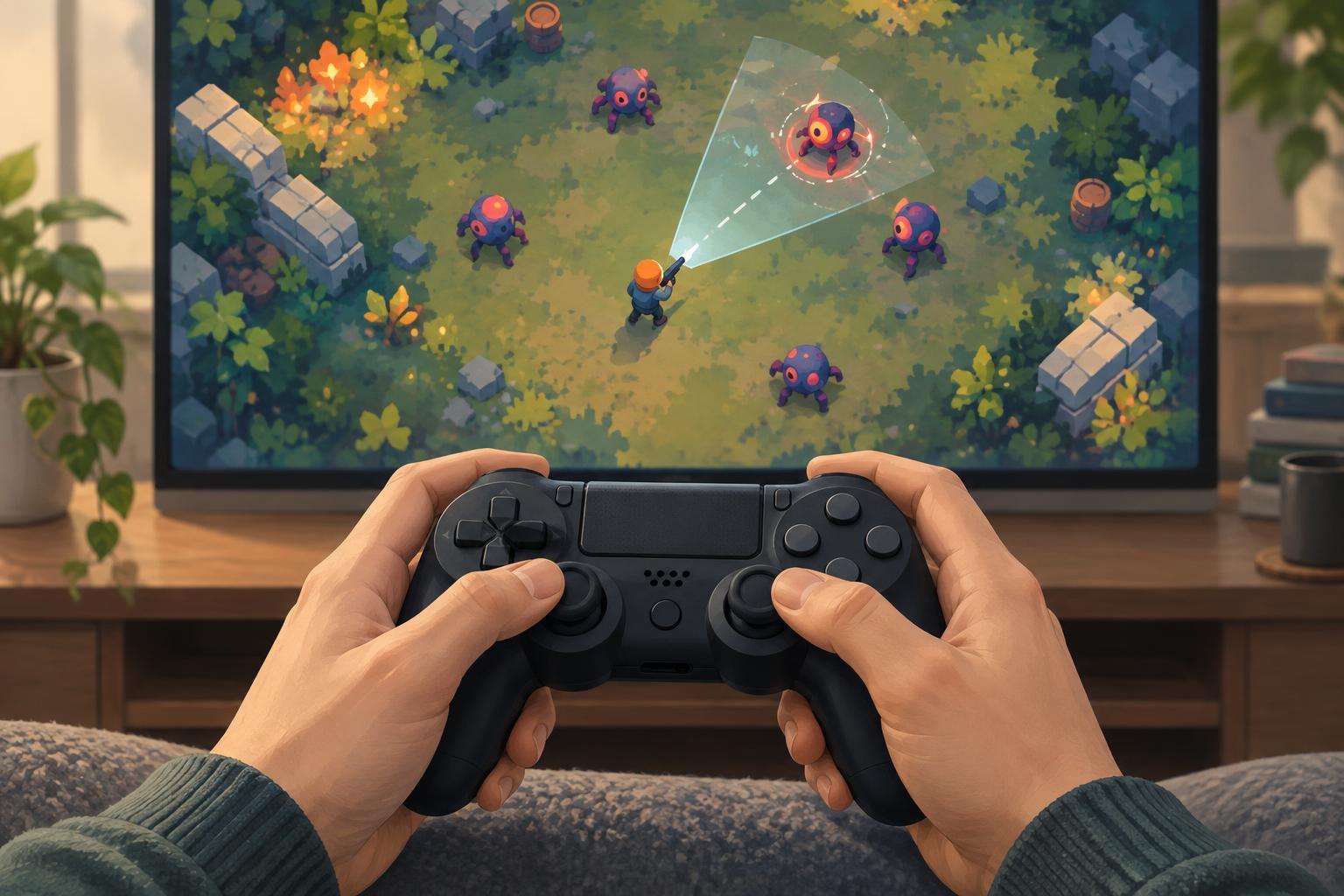
Accessibility and ControlsAim assist can make twin-stick and arcade games easier to control without removing the decisions that make them engaging. Learn how common options work, when they help, and how to tune them for comfort and clarity.
Read article · 4 min↗
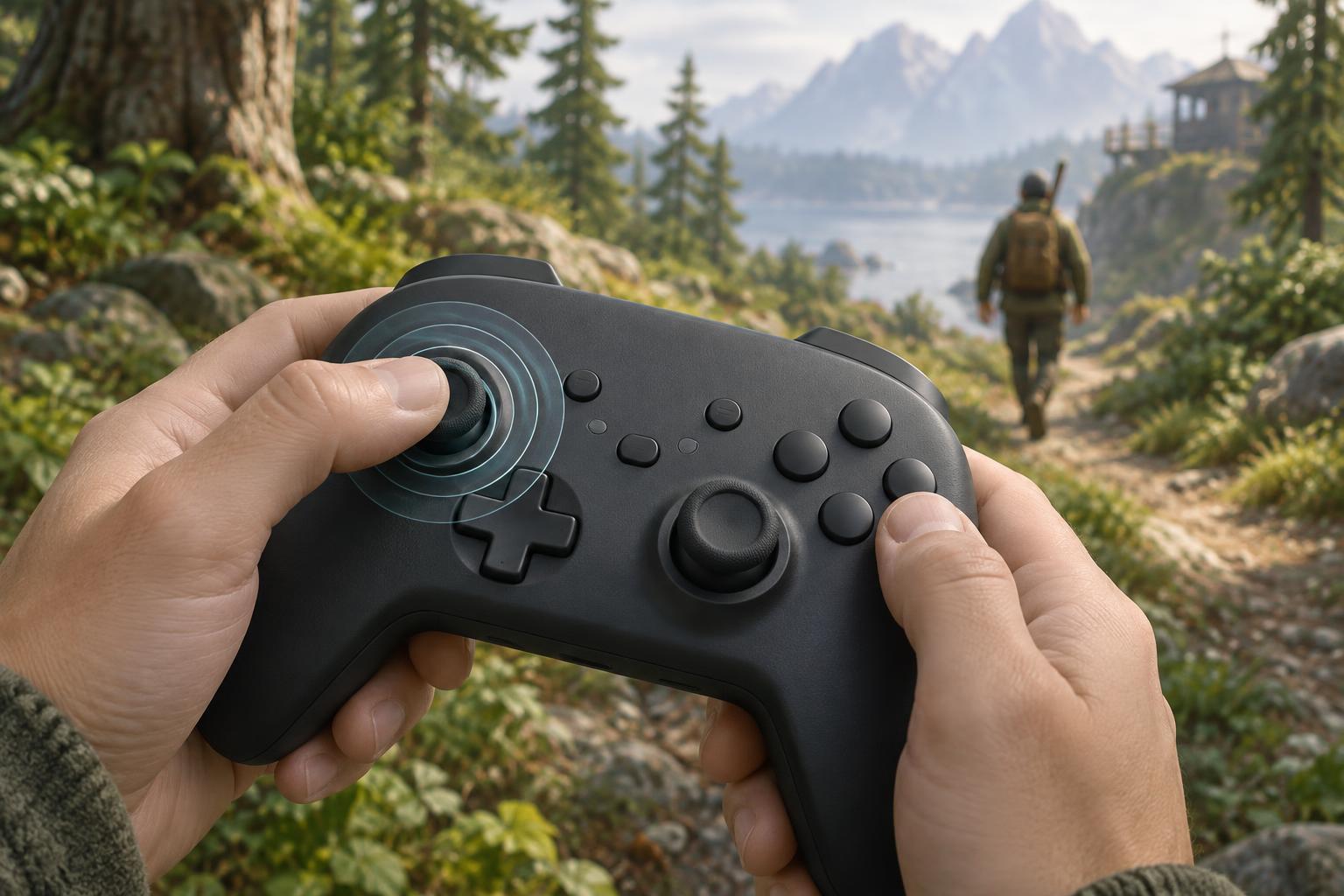
Accessibility and ControlsA controller deadzone can stop unwanted movement, but too much deadzone makes a game feel unresponsive. Learn how to recognize stick drift, adjust inner and outer deadzones, and test settings in survival and arcade-style games.
Read article · 4 min↗
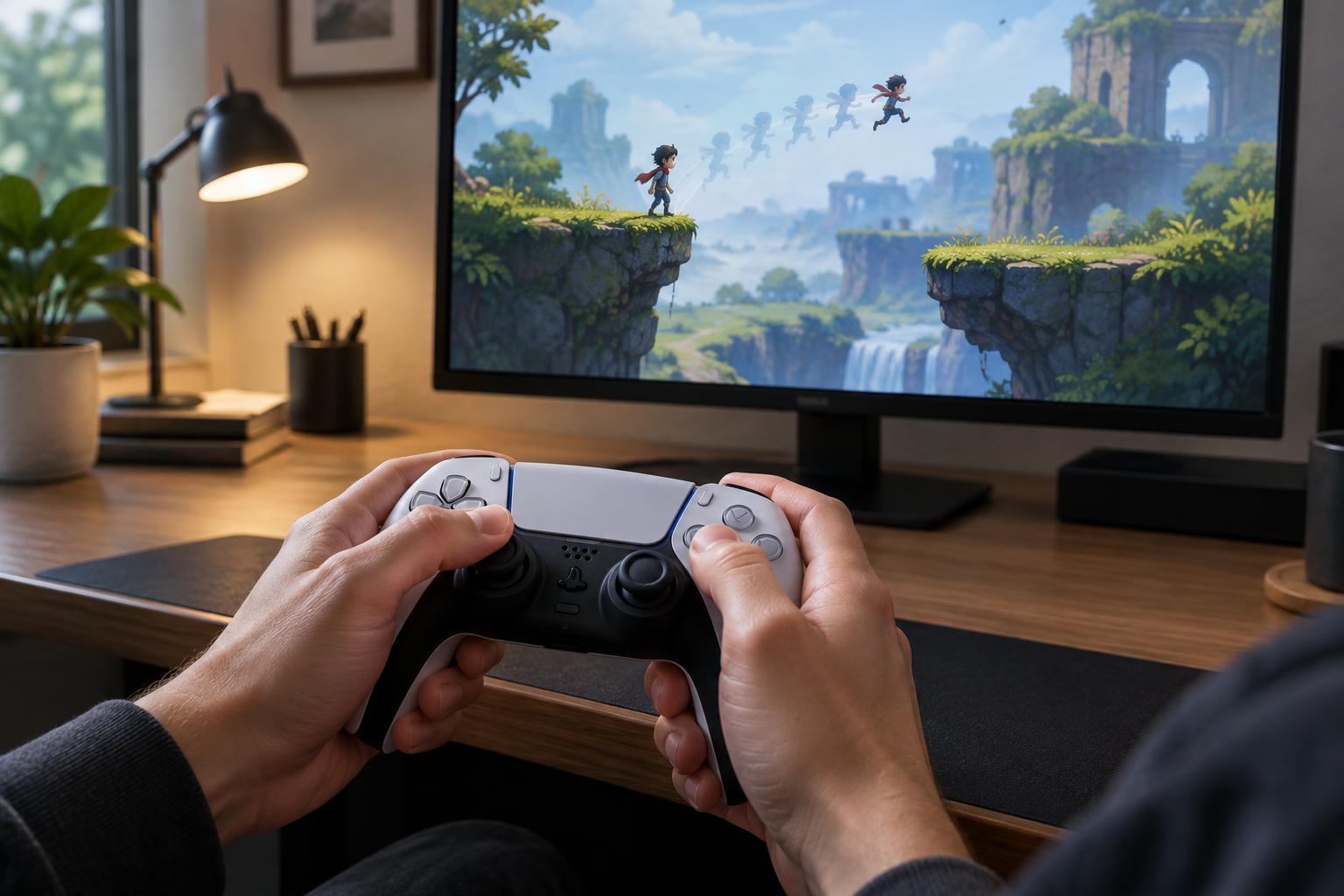
Accessibility and ControlsWhen a game feels slow to react, the cause may be input delay, an animation, a control setting, or inconsistent performance. Learn how to recognize the difference and run simple, repeatable tests before changing your setup.
Read article · 4 min↗
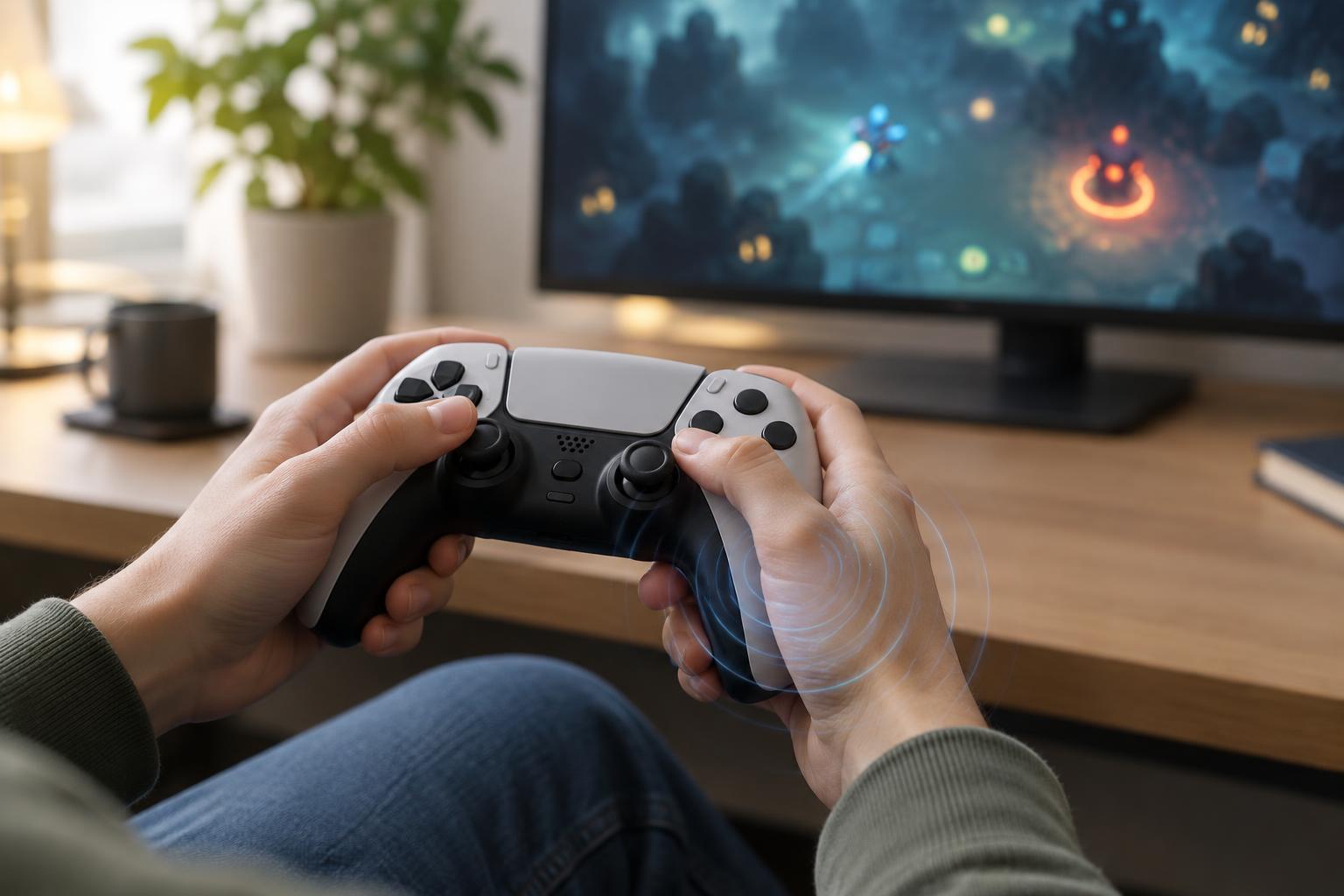
Accessibility and ControlsController vibration can make hits, hazards and menus easier to notice, but it can also become distracting or uncomfortable. Learn how to adjust it for survival, roguelite and arcade-style games without losing useful feedback.
Read article · 4 min↗
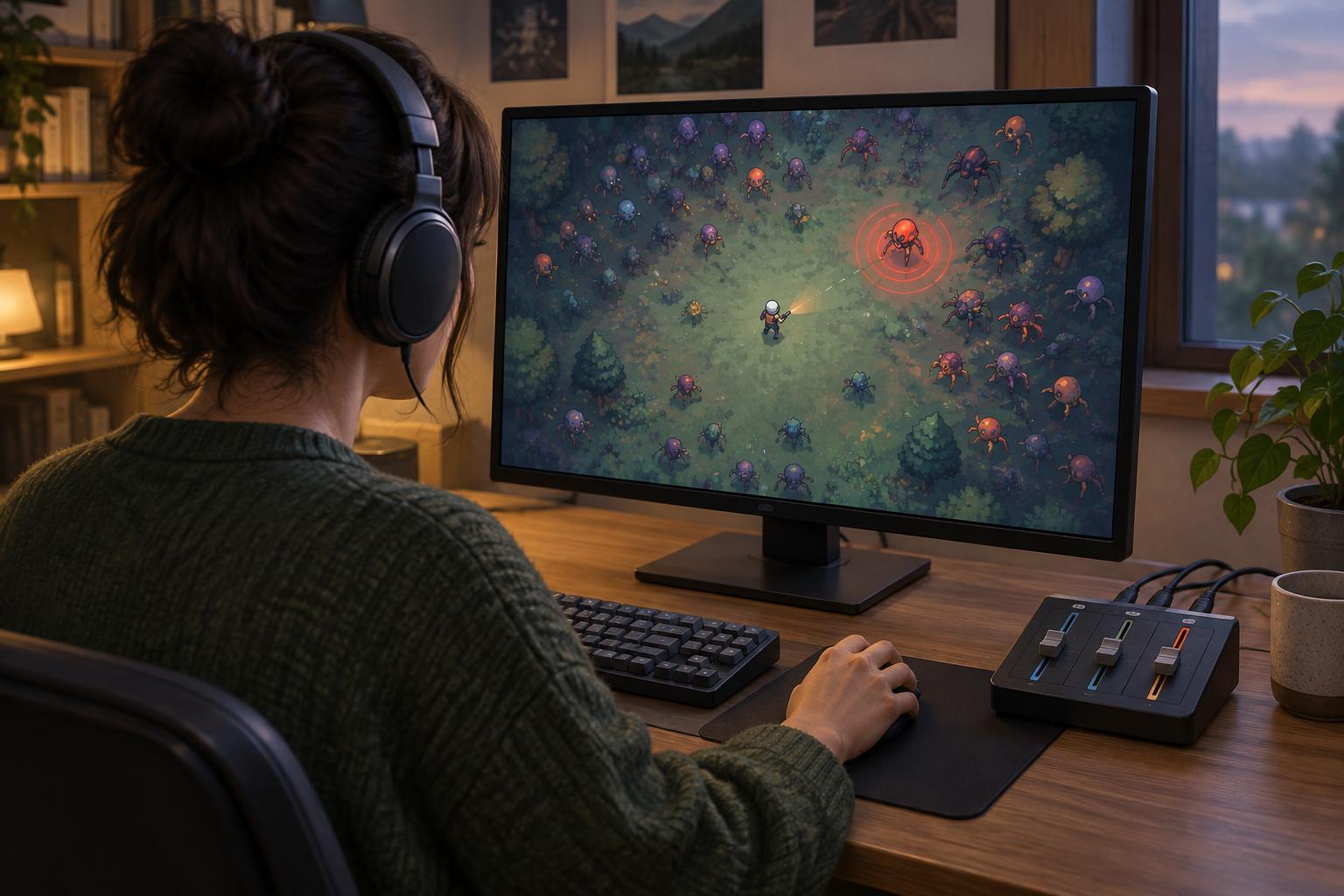
Accessibility and ControlsIn a crowded survival or arcade game, an audio warning can be easy to miss beneath the soundtrack. Learn a practical way to balance music, effects and voice, then check that important cues remain usable with your preferred speakers or headphones.
Read article · 4 min↗

Accessibility and ControlsA missed warning sound can turn a manageable survival-game encounter into a surprise hit. Learn how to use captions, visual alerts, and control settings to keep important information readable without crowding the screen.
Read article · 4 min↗

Accessibility and ControlsFast-paced arcade games often use camera shake, bright flashes and pulsing effects to make attacks feel powerful. This guide explains how to find and adjust those effects, keep important information visible and set up a more comfortable play session without losing track of the action.
Read article · 4 min↗
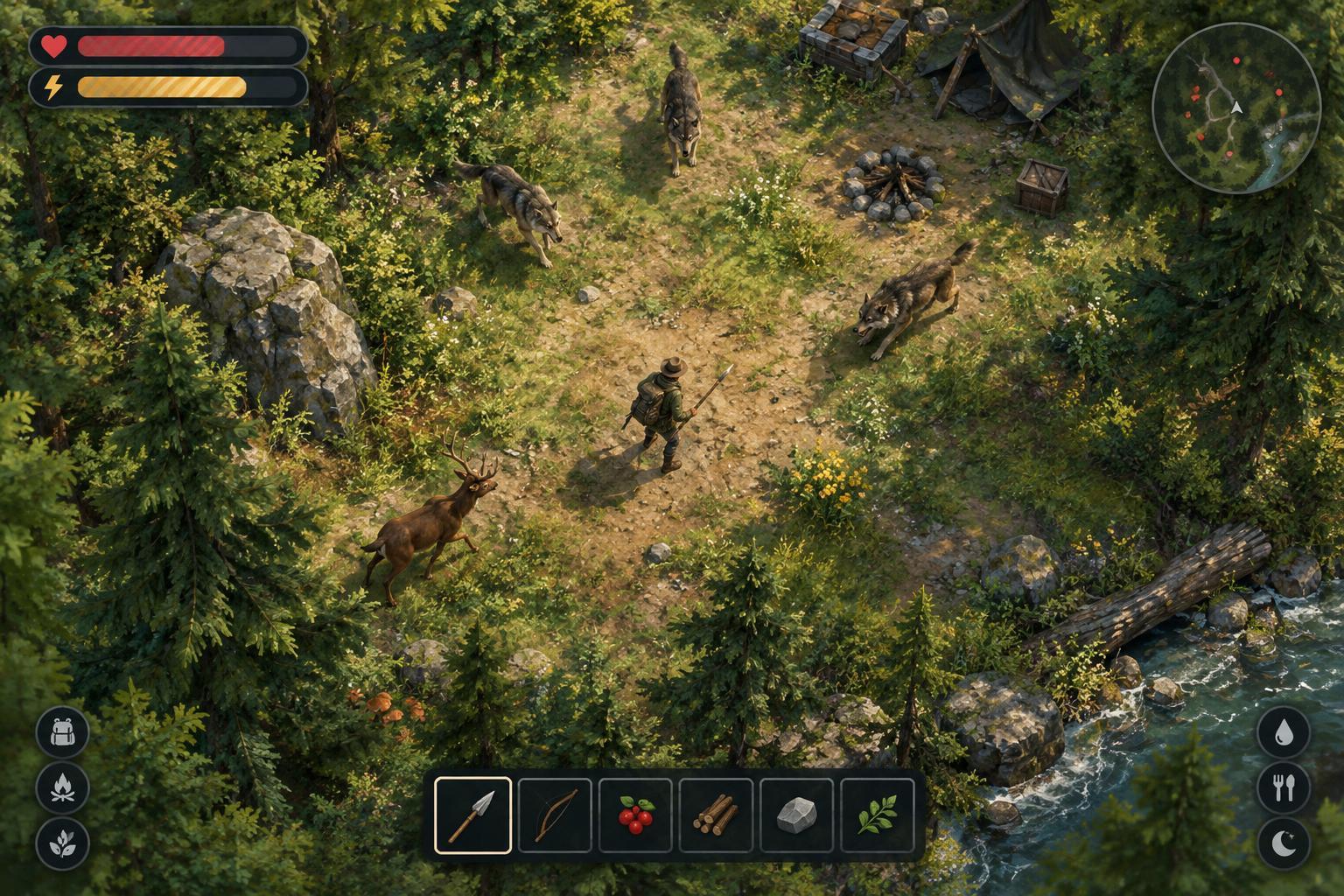
Accessibility and ControlsA readable survival-game HUD helps players make quick decisions without covering the action. Learn how to improve contrast, preserve visual hierarchy, and test settings across busy scenes.
Read article · 4 min↗
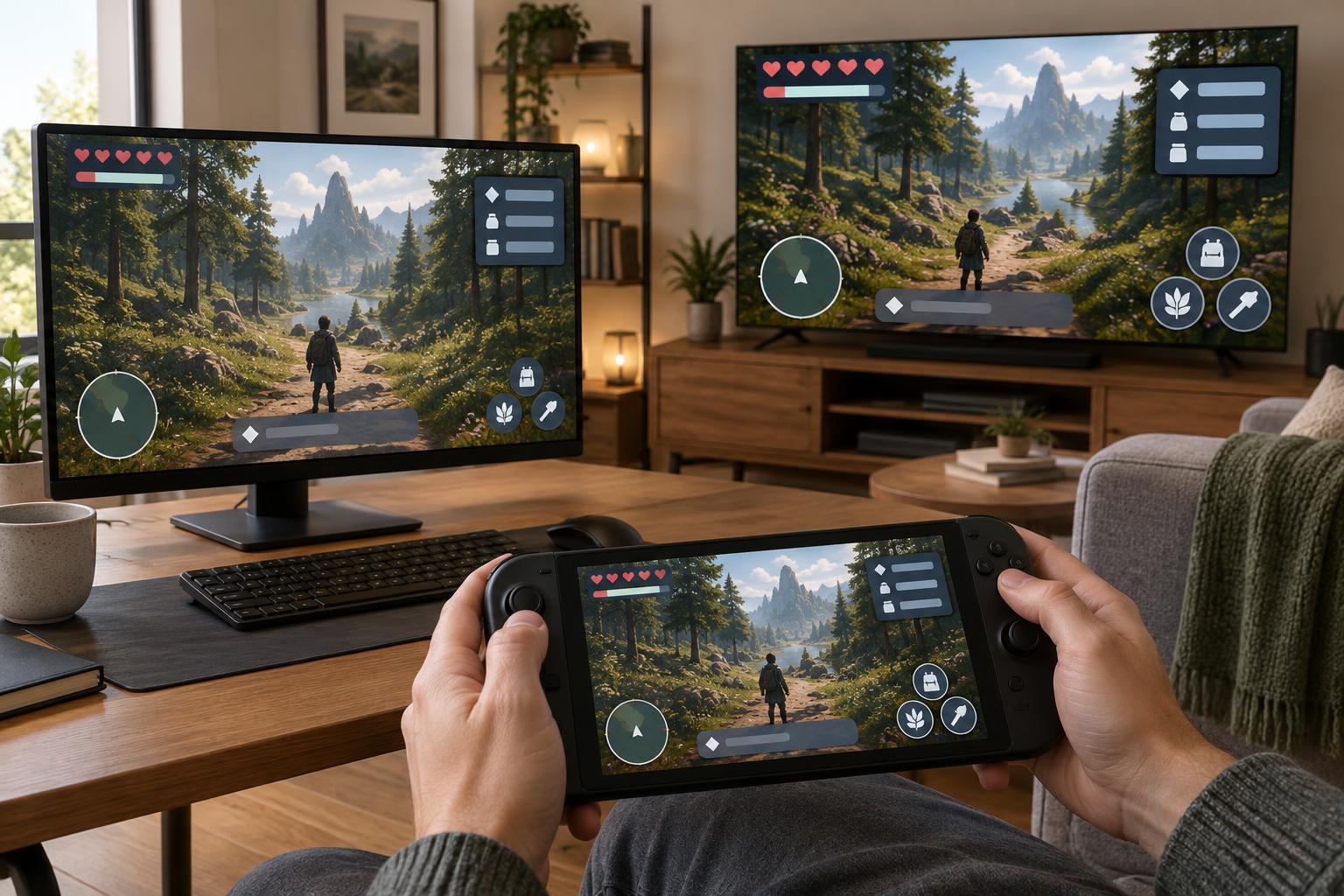
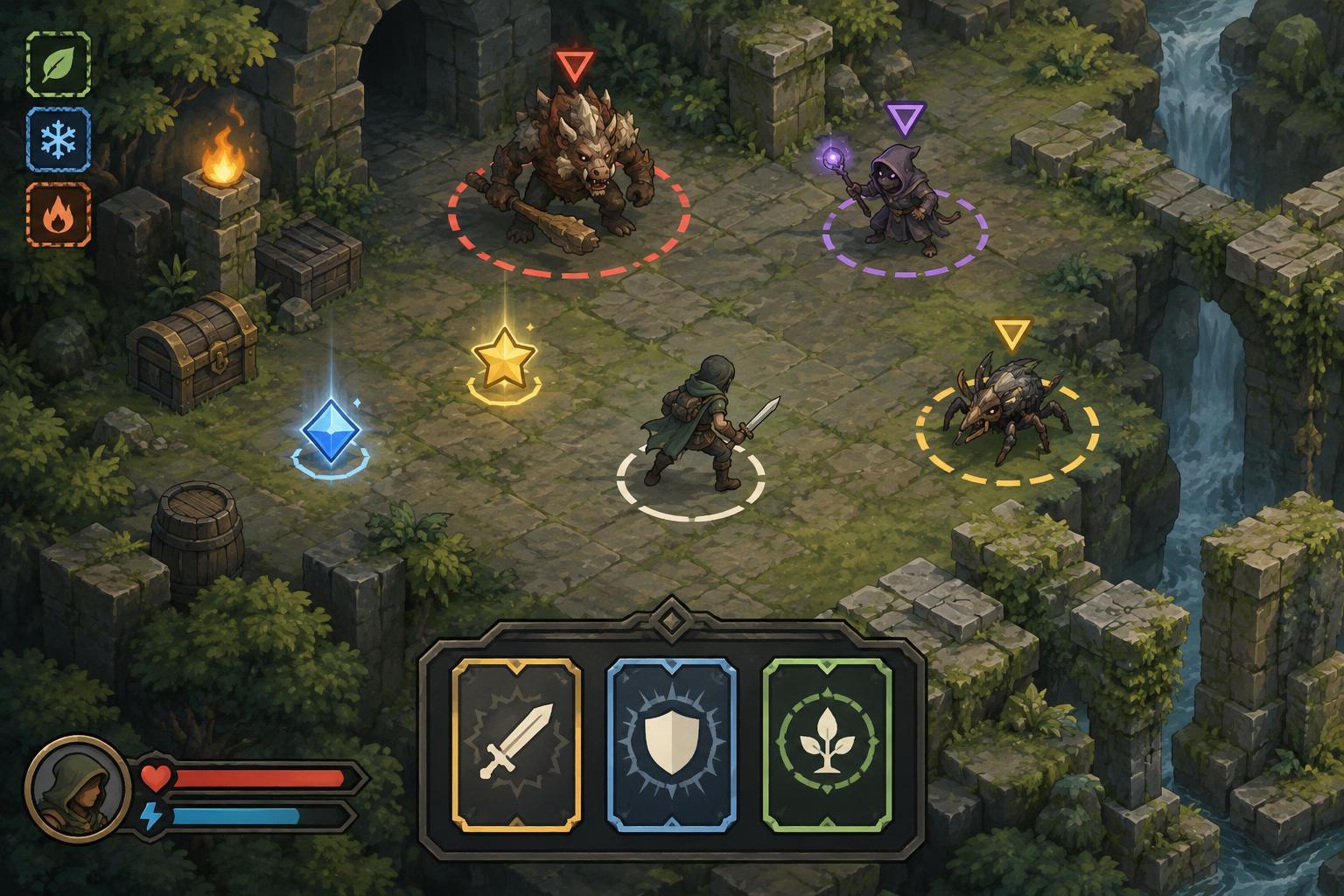
Accessibility and ControlsIn a busy roguelite run, color can help players read threats, rewards, and build choices—but it should not have to do all the work. Here is how to spot interface cues that remain useful when colors are hard to distinguish.
Read article · 4 min↗
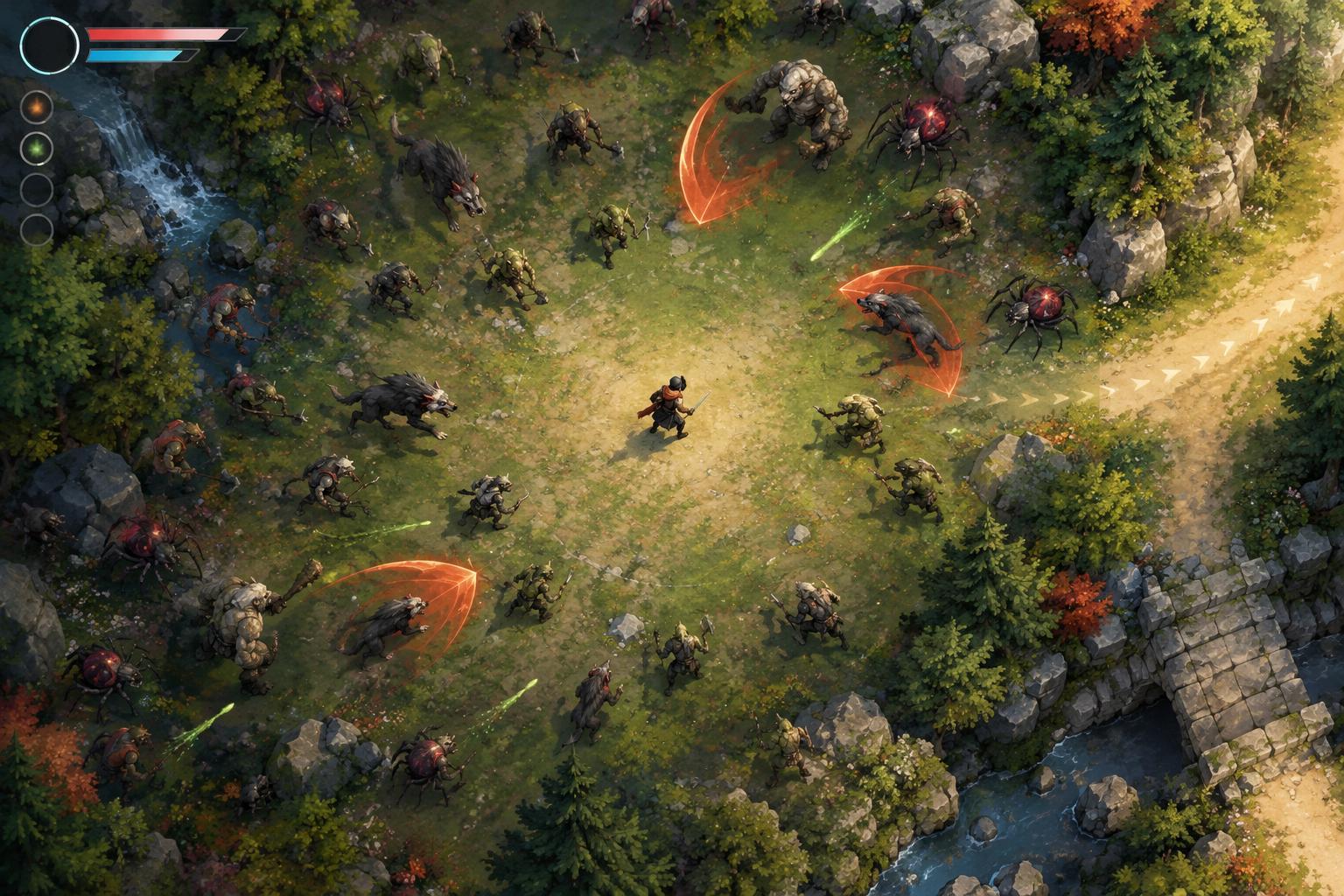
Accessibility and ControlsCrowded survival games can make important information hard to spot. Learn how to tune visual settings, arrange the interface, choose readable builds, and develop a quick scanning routine without losing the action.
Read article · 4 min↗
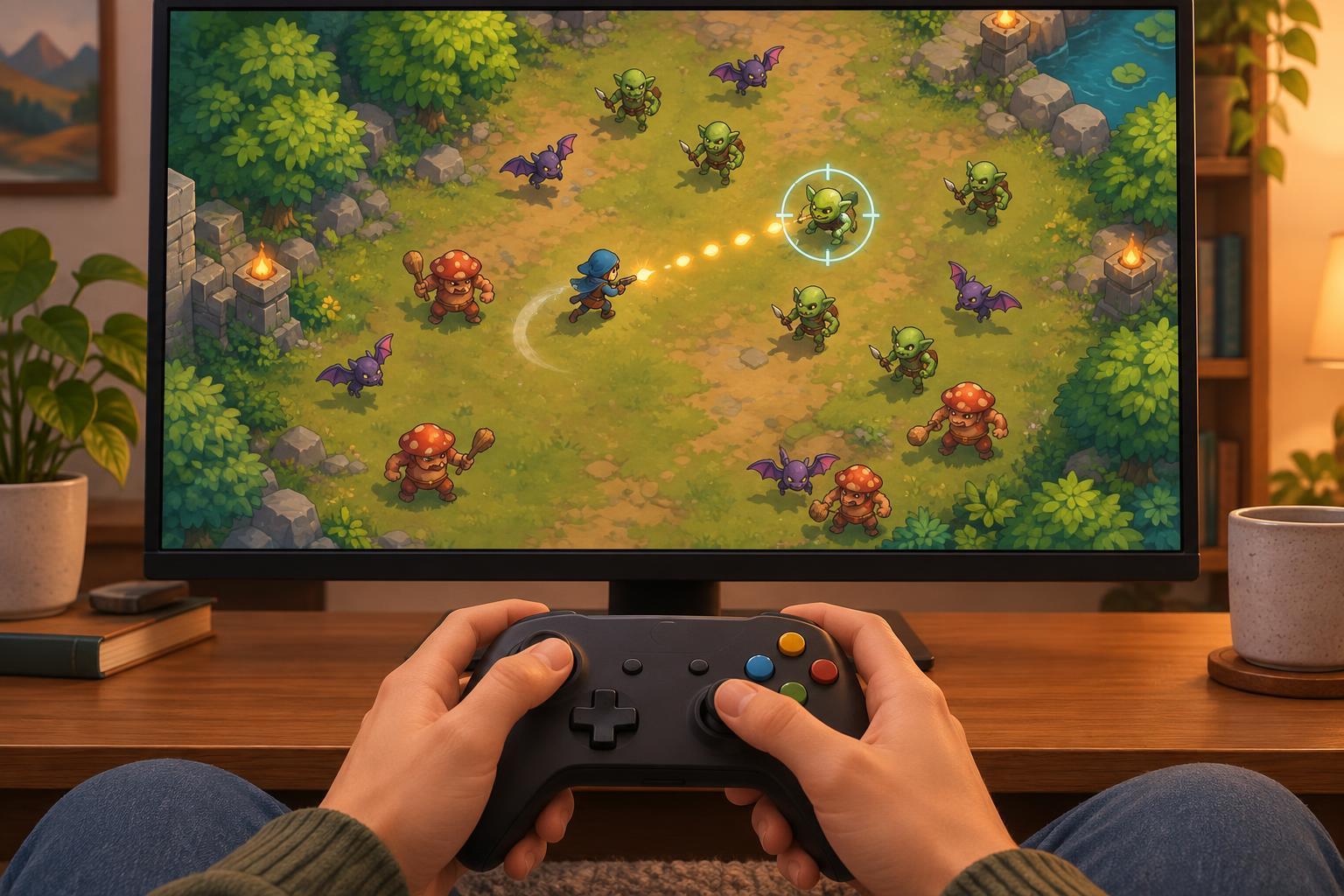
Accessibility and ControlsAuto-aim and auto-fire can make arcade-style games easier to control without removing the decisions that make them engaging. Here’s how these options affect movement, targeting, difficulty and accessibility.
Read article · 4 min↗
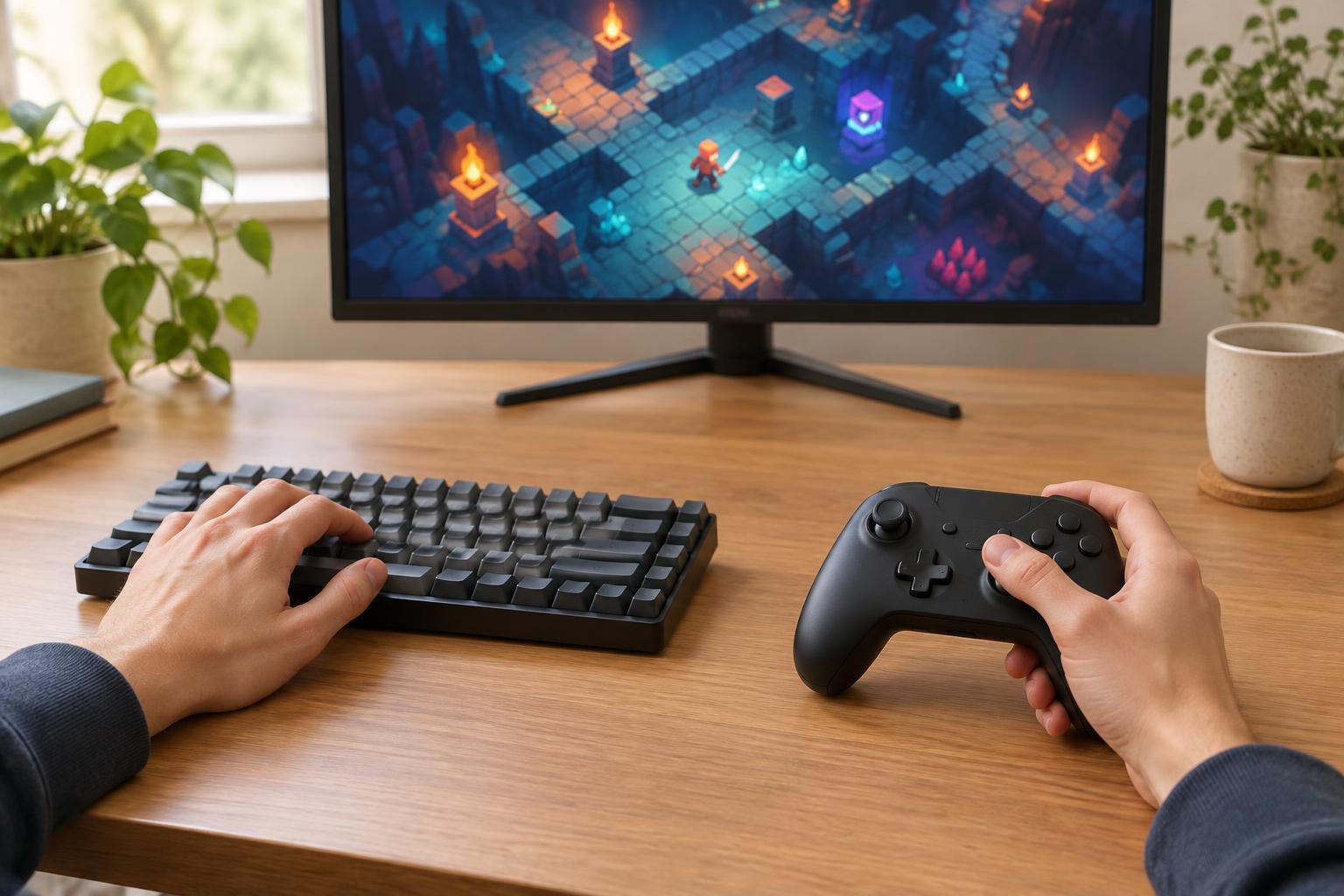
Accessibility and ControlsFast restarts and repeated inputs can make comfort as important as precision. Compare keyboard and controller controls, then use a short play test to find a setup that works for your hands and the game.
Read article · 4 min↗
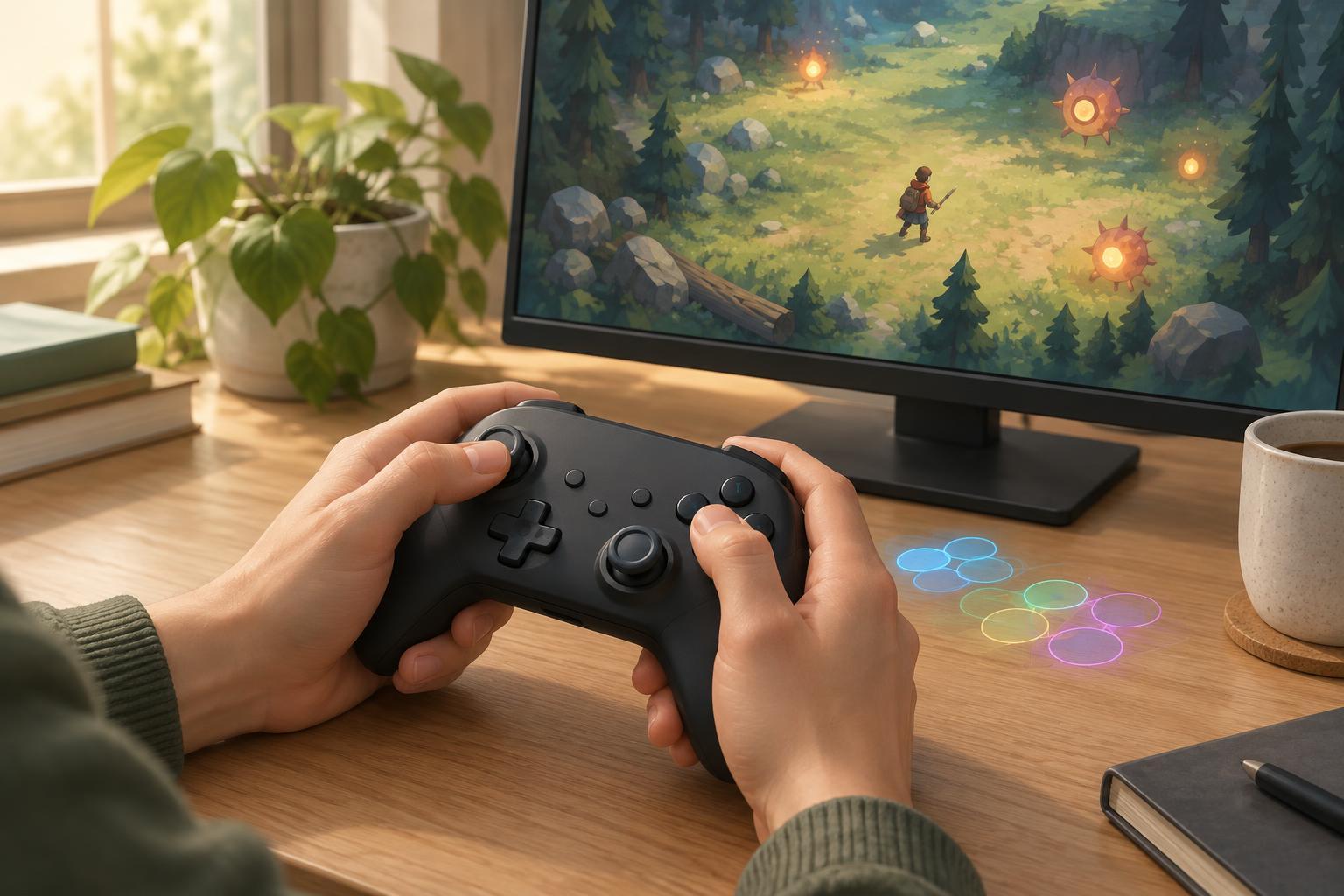
Accessibility and ControlsA comfortable control layout can make fast-paced games easier to read and play. Learn how to identify awkward inputs, change one binding at a time, and test a setup that works for your hands and your game.
Read article · 4 min↗