What input delay feels like
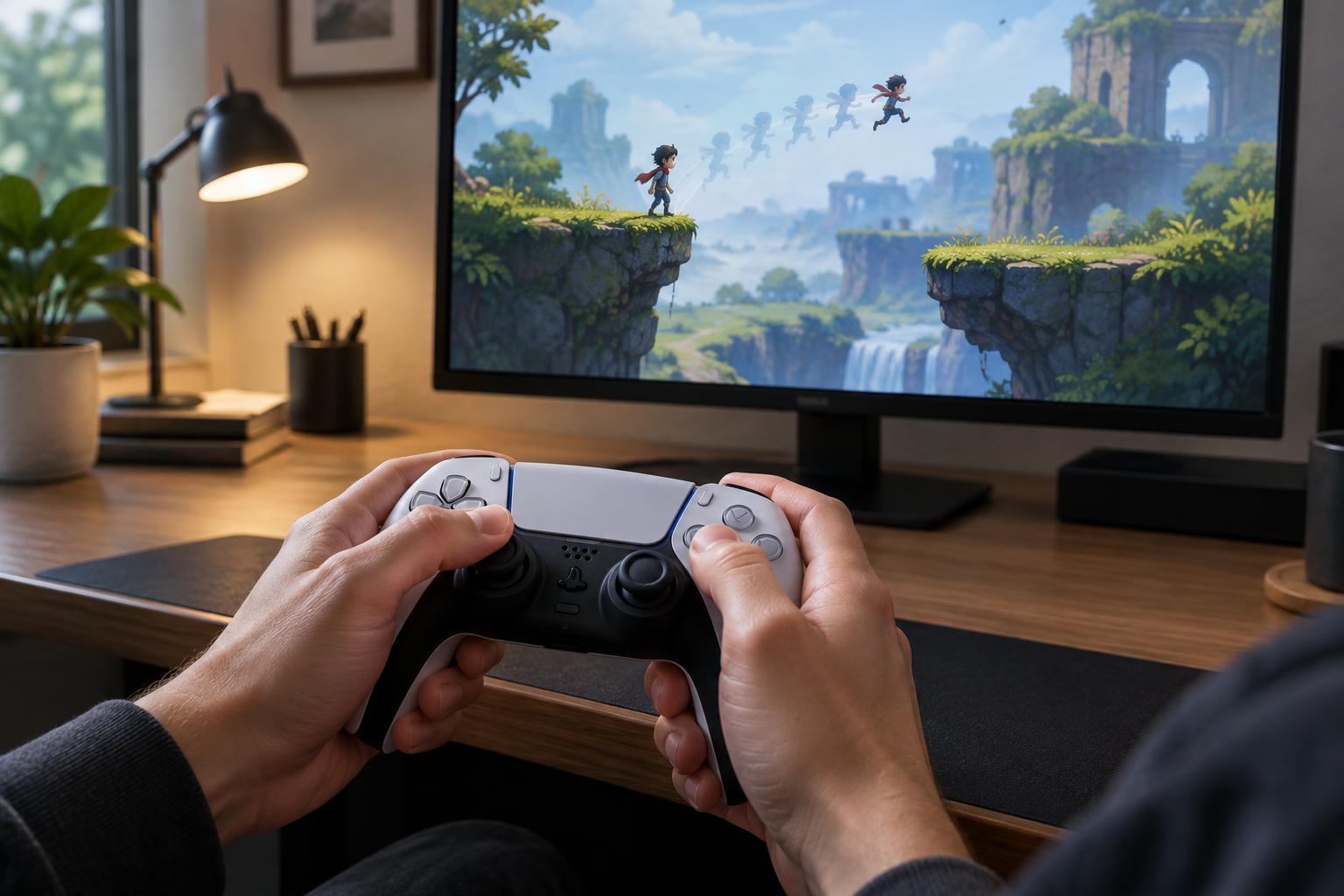
Input delay is the gap between pressing a control and seeing the intended action begin on screen. In a fast arcade or survival game, it might feel as though a character starts moving a beat after you move the stick. In a roguelite with precise dodges, it might feel as though a dodge command arrives too late. The feeling matters, but it does not identify the cause on its own.
A delayed response is different from an action that takes time to complete. A character may begin an attack promptly but have a slow wind-up. A dodge may be unavailable while a previous animation finishes. Some games also accept an input during an animation and perform it later, a behavior often called input buffering. Before adjusting equipment or settings, try to identify whether the action starts late, starts immediately but unfolds slowly, or does not start at all.
Start with a repeatable in-game test
Choose a quiet area where enemies, effects, and camera movement will not obscure the result. Use a simple action with an obvious visual response, such as changing direction, opening a menu, or moving a cursor. Press the same control several times at a steady pace, then try short taps and longer holds. If the response varies from attempt to attempt, note when that happens rather than relying on a single missed input.
Test more than one action. If menus feel prompt but character movement feels slow, the issue may be tied to movement acceleration or animation rather than every input. If both menus and gameplay feel sluggish, a broader display, controller, or performance issue becomes more plausible. Where a game allows it, compare an analog stick with a directional button or keyboard key; stick dead zones can make small movements seem unrecognized even when other controls respond promptly.
Separate delay from performance and display behavior
Watch for visible stutter while testing. If movement and effects briefly freeze together, the game may be struggling to produce consistent frames. A steady but late-looking response suggests a different problem. Lowering demanding graphics options, if available, can be a useful comparison: the goal is not to find a perfect preset immediately, but to see whether responsiveness changes when the game runs more smoothly.
Display processing can also make controls feel less direct. If a television has a low-latency or game-oriented picture mode, compare it with the usual mode while repeating the same test. For a wireless controller, check its charge and try a wired connection if the device and game support one. Change one condition at a time. Otherwise, an improvement will be hard to trace, and a change in game difficulty or your own timing may be mistaken for a technical fix.
Check whether the game is teaching a timing rule
Some apparent input delay is part of a game's design. Attacks may have recovery time, movement may build speed gradually, or a dodge may require enough stamina before it can start. Try the action while standing still, immediately after another action, and during a busy encounter. If it responds promptly at rest but not during a recovery animation, the control is likely constrained by a game rule rather than delayed everywhere.
This distinction is useful for build planning as well as troubleshooting. In a survival game, a slower attack can still work well if its range or area gives you room to maneuver. In a precision-focused roguelite, knowing when an action becomes available can help you choose safer timing. Do not assume every awkward response is intentional, though: compare situations and look for a consistent pattern.
Make the controls easier to read and use
Responsiveness includes more than raw speed. A tiny visual cue can be difficult to notice, making a successful input feel ignored. Look for settings that improve contrast, enlarge interface elements, reduce distracting effects, or provide clearer feedback. Remapping a hard-to-reach button can also make an action more reliable, especially when several controls must be used in quick succession.
Keep a brief note of the action tested, the setting changed, and whether the result felt more consistent. If a game remains difficult to read or control, it is reasonable to use a more forgiving difficulty option, choose a build that requires fewer rapid inputs, or step away from a mode built around narrow timing windows. A useful setup is one that lets you understand the game's decisions and act on them with confidence.