Why arcade effects can become distracting
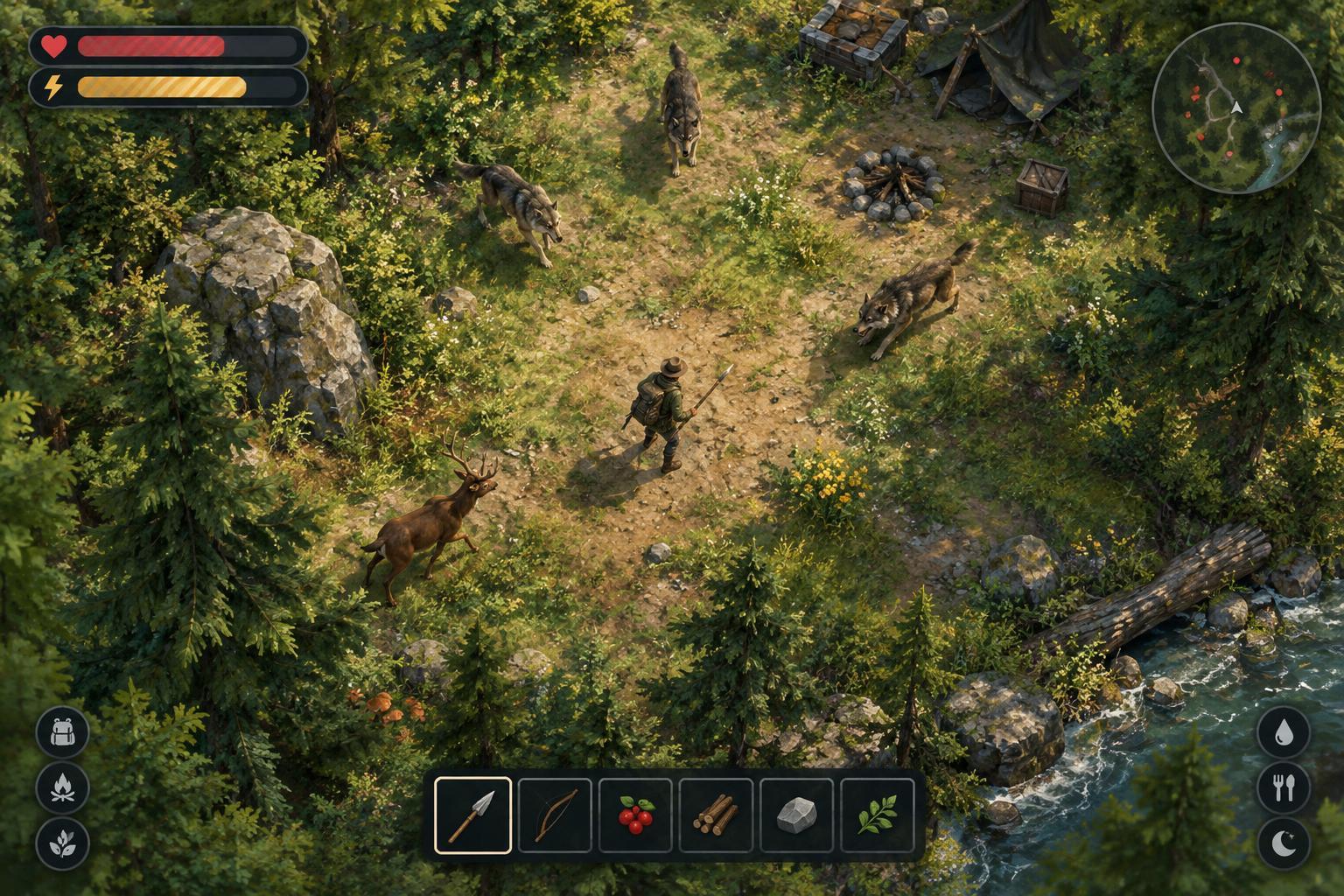
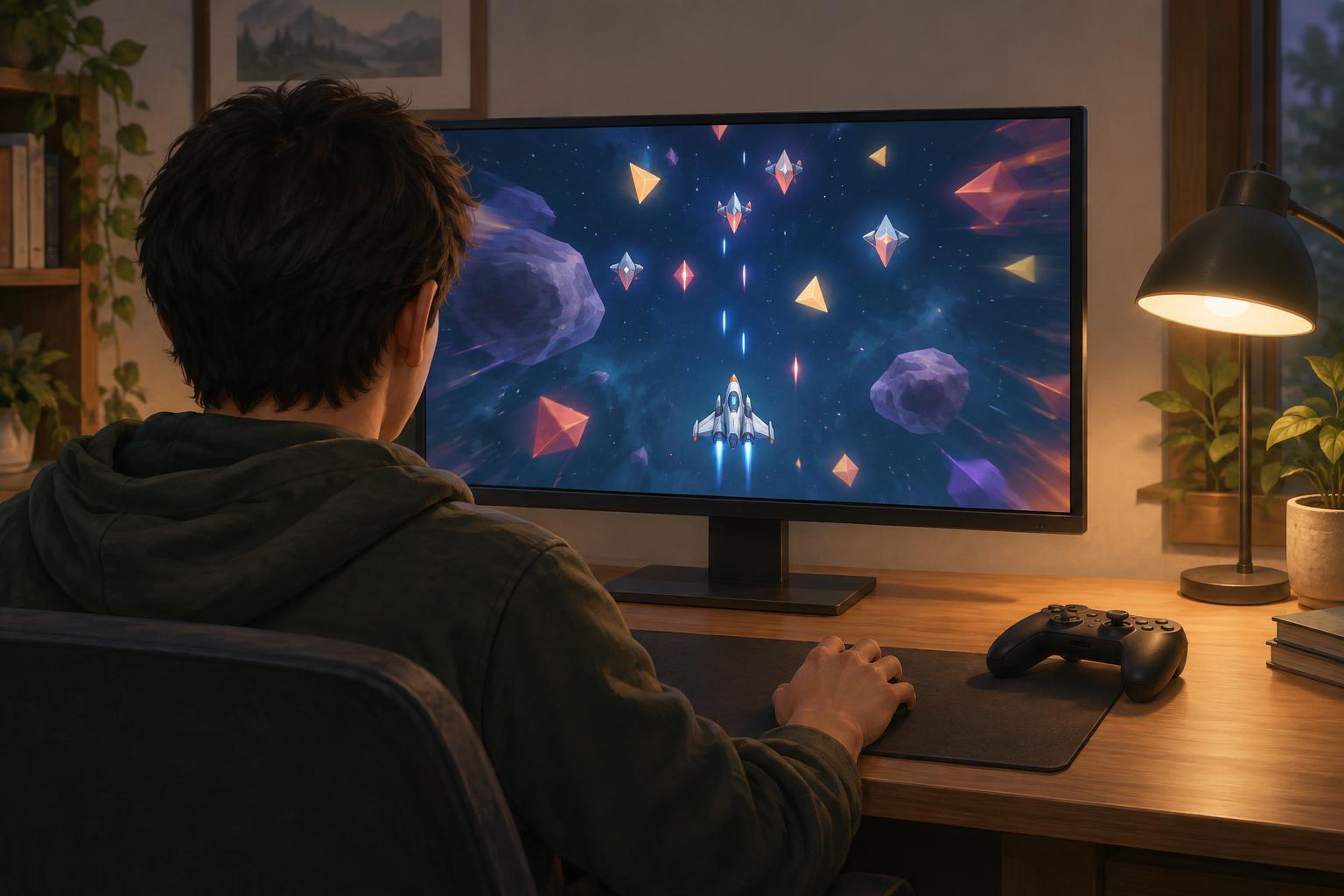
Screen shake, hit flashes and bursts of particles give arcade games immediate feedback. They can signal that an attack landed, a character took damage or a powerful ability activated. In a survival game, though, dozens of effects may appear at once. A cue that works well on its own can become distracting when it repeats across a crowded screen.
The aim is not necessarily to remove every effect. It is to preserve the information you need while reducing motion or brightness that makes play uncomfortable. Start by noticing which moments cause trouble: does the whole screen move during explosions, does a white flash obscure enemies, or do glowing projectiles blend into hazards? Naming the problem makes it easier to choose the right setting. This is independent editorial guidance, not a settings guide for any one game.
Adjust the settings that affect readability most
Look through accessibility, video, graphics and gameplay menus for options such as camera shake, screen flash, bloom, particle density and motion blur. Names and controls vary by game. If there is a shake intensity slider, try a low value or turn it off, then check whether damage and attack cues still make sense. Disabling motion blur may also make moving enemies and projectiles easier to follow.
If flashes are the main concern, look for a reduced-flash option or a way to lower the intensity of damage indicators and special effects. Lowering overall brightness is not always a good substitute: it can make dark hazards harder to see without changing a sudden flash much. Adjust one setting at a time so you can tell what helped. Where a game offers separate settings for your attacks, enemy attacks and environmental effects, prioritize keeping enemy hazards legible.
Use a short, low-pressure test run
A menu preview cannot show how settings behave when the screen fills up. After making a change, try a short run, practice area or early stage rather than committing to a long attempt. Watch for three things: whether you can locate your character, whether you can spot incoming hazards and whether you can tell when you take damage. If an effect is less distracting but you miss an important warning, look for another cue before removing it completely.
Some games communicate the same event through sound, a health-bar change, controller vibration or an on-screen icon. These alternatives can help, but they are not interchangeable for every player. Set audio and vibration to levels that work for you, and check that health and status indicators remain visible during busy moments. If the game allows interface scaling or repositioning, use it to keep essential information close to where you naturally look.
Reduce visual load beyond the effects menu
Your setup can affect how easily you read a crowded game. A comfortable viewing distance, manageable display brightness and fewer reflections may help you distinguish movement from background decoration. A larger interface can be useful when icons are small, while strong contrast between hazards and scenery may matter more than maximum graphical detail. If available, try alternate color palettes or outlines to separate enemies, pickups and friendly effects.
Build choices can also change what appears on screen. In roguelites that offer many weapon or upgrade combinations, some builds produce dense trails, overlapping projectiles or frequent explosions. When learning a game, choosing a simpler-looking combination may make it easier to understand enemy patterns. That is a playstyle choice, not a requirement: you can return to busier builds after finding settings that make them comfortable to follow.
Treat comfort as part of your game plan
Make changes before a difficult run rather than waiting until the screen becomes overwhelming. Keep track of the settings you prefer, especially if multiple people use the same device or a game has separate profiles. If effects remain uncomfortable despite available options, take a break or choose another mode or game; no score or unlock is worth pushing through discomfort.
For players evaluating a new arcade game, adjustable shake and flash settings are useful signs of flexibility, but labels alone do not show how well they work in crowded scenes. A brief test with several effects active is more informative. The best configuration is one that lets you recognize threats, understand your own actions and enjoy the pace without fighting the presentation.