Two kinds of control over your experience
Accessibility settings help players perceive information, use controls, and interact with a game comfortably. Examples include larger text, adjustable contrast, remappable buttons, subtitles, and alternatives to repeated button presses. Difficulty settings primarily change the challenge a game presents, such as enemy strength, available resources, or the time allowed to react. Both can make a game easier to play, but they do not necessarily address the same obstacle.
Consider a survival game in which enemies approach from every direction. Increasing the visibility of enemy outlines may help a player identify threats without changing how much damage those enemies deal. Reducing enemy speed, by contrast, changes the pace of the challenge. Neither choice is more legitimate: they offer different ways to shape the experience. Thinking about the obstacle first makes it easier to find the setting that will actually help.
Accessibility removes barriers to participation
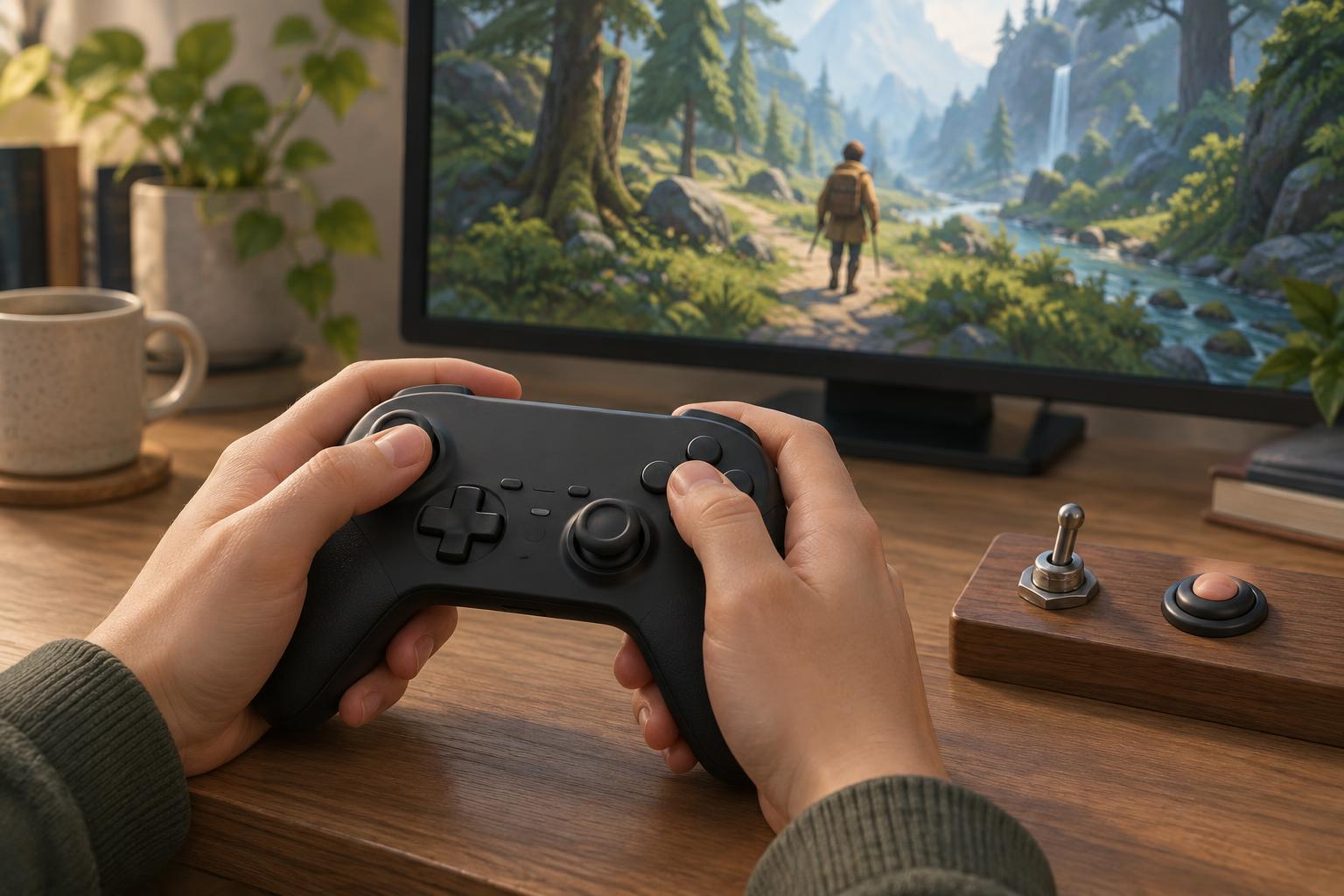
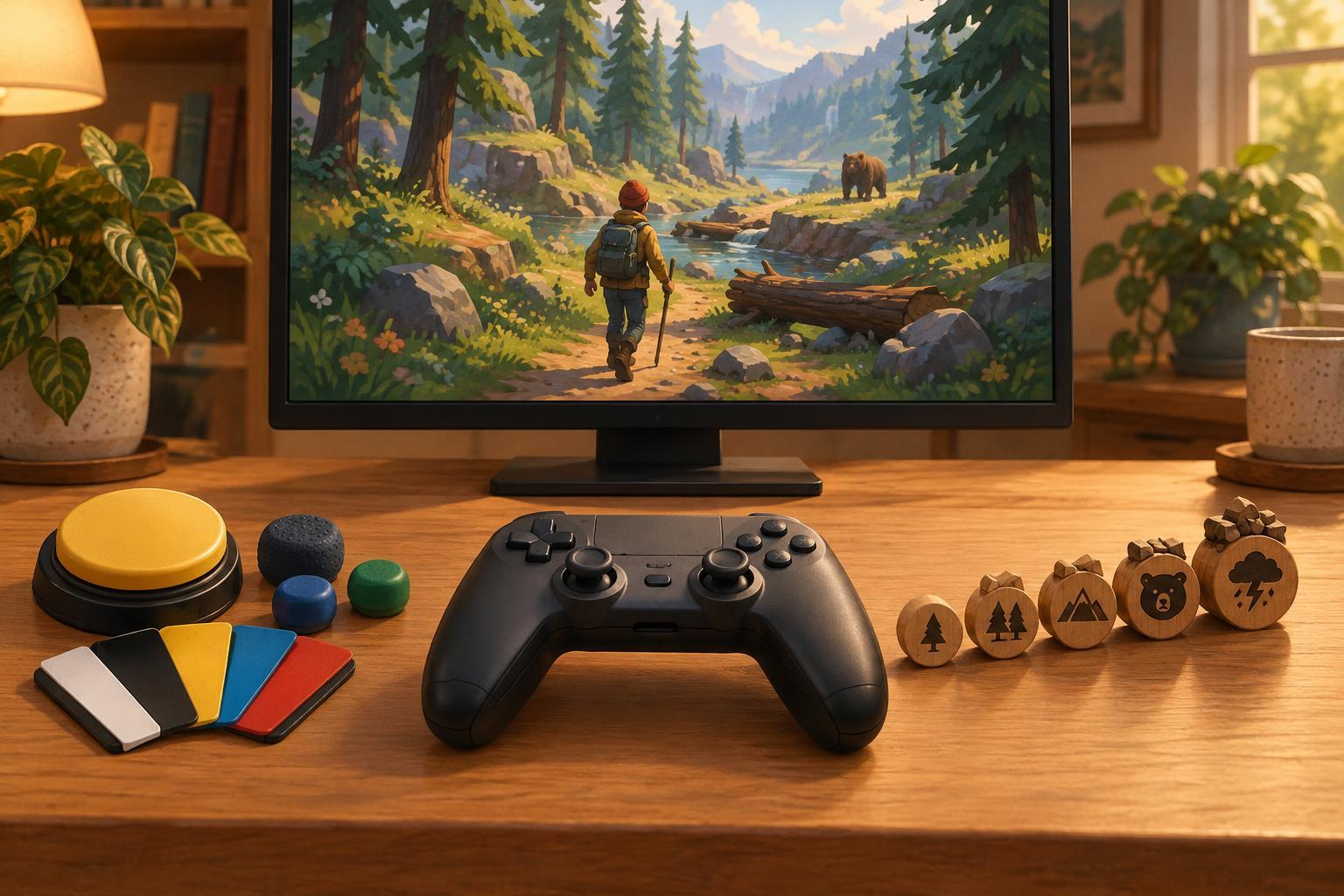
A player might understand a game’s rules yet struggle to read a crowded screen, distinguish similar colors, or perform a rapid sequence of inputs. Accessibility options address that gap between knowing what to do and being able to do it. In an arcade-style game, a scalable interface can make health and cooldown indicators easier to read. Button remapping can put frequent actions within comfortable reach. A toggle option can replace the need to hold a button continuously.
These settings are not limited to one group of players. Someone using a small display may benefit from larger text; someone playing in a noisy room may rely on captions. Needs can also change from session to session. If a setting improves clarity or comfort without altering the underlying encounter, it is usually best understood as an accessibility option—even if it helps a player perform better.
Difficulty changes the demands of play
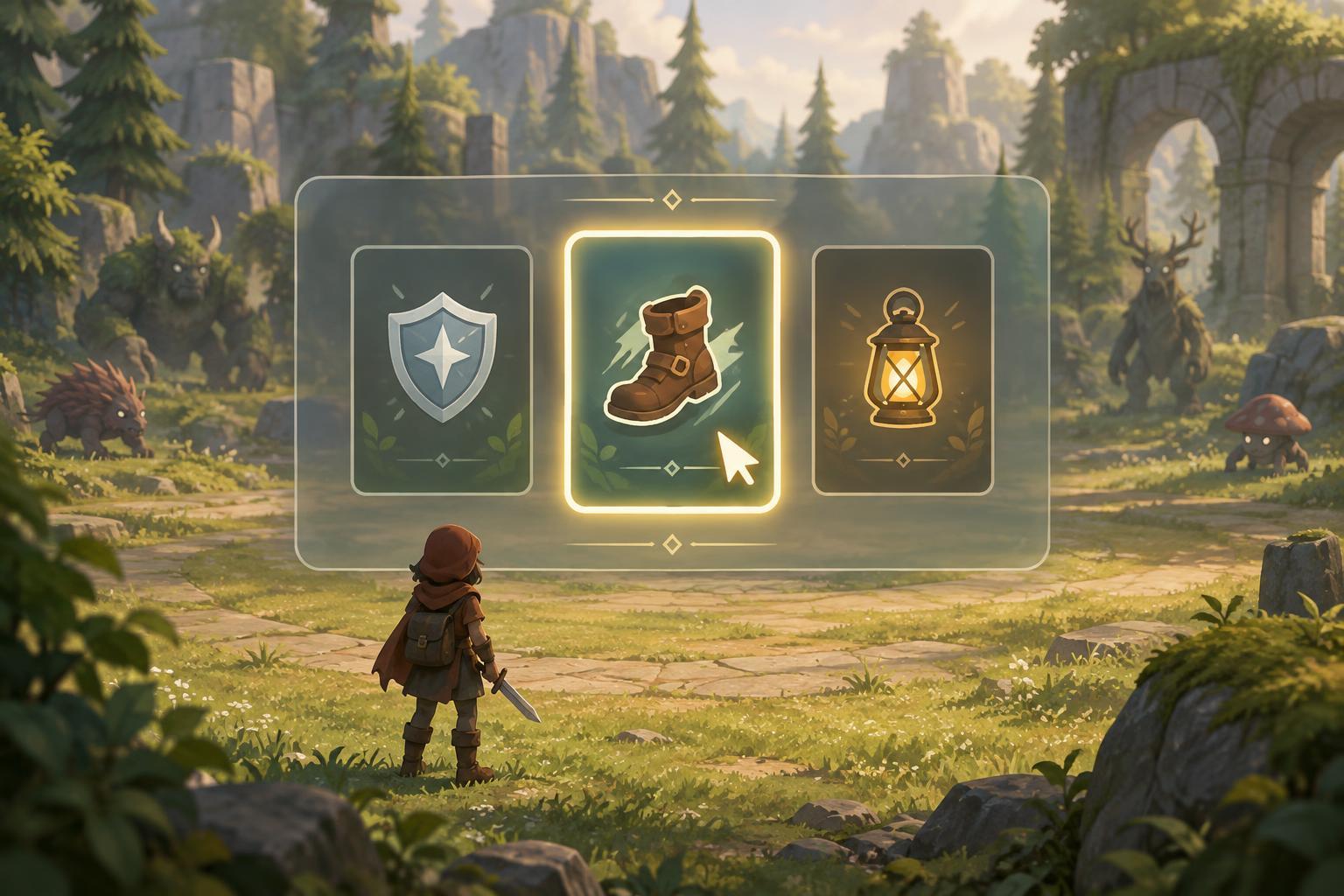
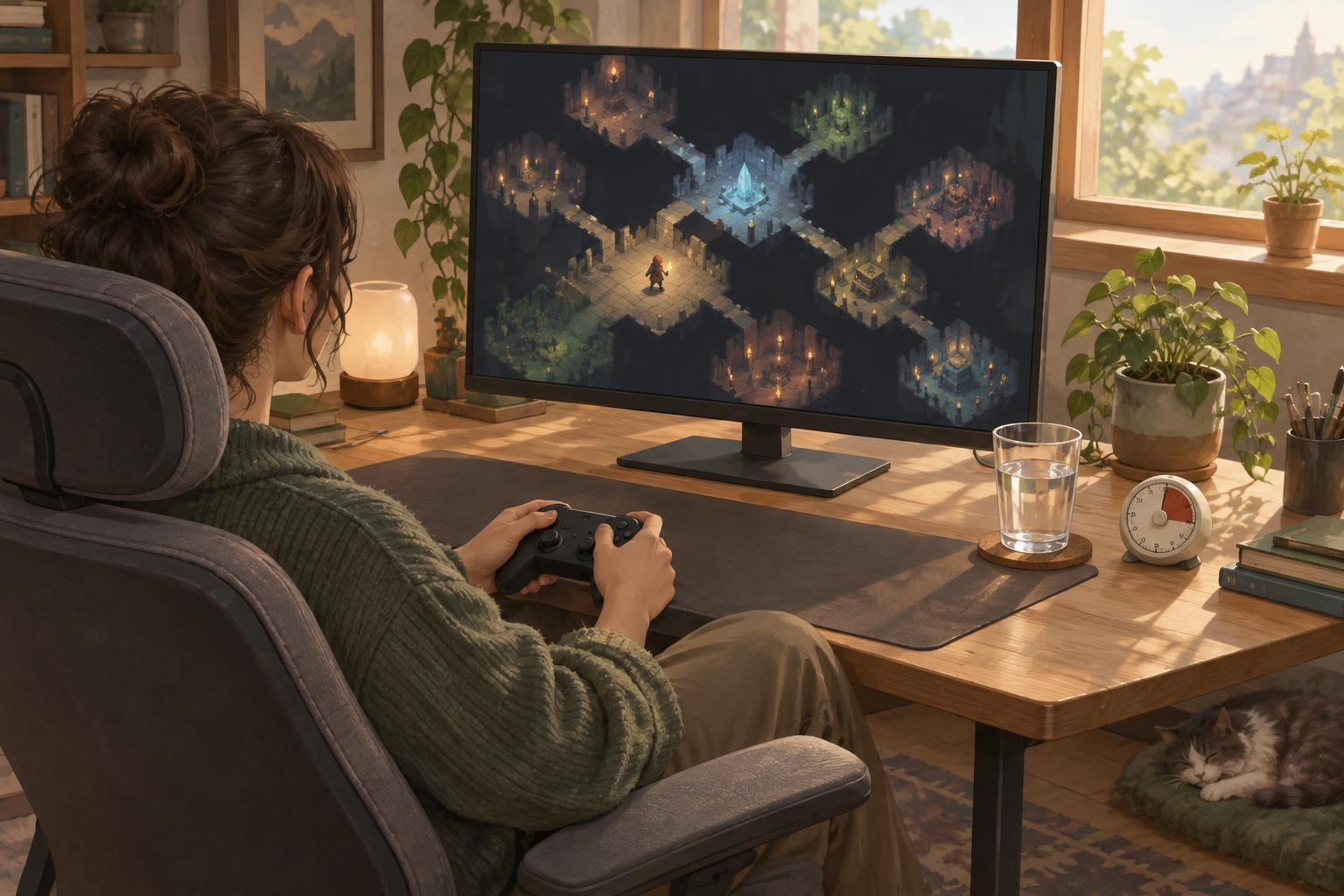
Difficulty options adjust what the game asks of the player. They may change enemy health, attack frequency, damage taken, starting resources, or the consequences of a mistake. In a roguelite, an easier mode might offer more room to experiment with unfamiliar upgrades. A harder mode might make positioning and resource management less forgiving. These changes can be useful for learning, replaying, or finding a satisfying level of pressure.
Lower difficulty is not a substitute for every accessibility feature. Slower enemies will not necessarily make tiny text readable, and extra health will not solve an uncomfortable control layout. Likewise, clearer visuals do not guarantee that an encounter will be manageable. If a game offers both types of settings, players may get better results by adjusting each for its intended purpose rather than treating one menu as a replacement for the other.
Where the categories overlap
Some options sit between accessibility and difficulty. Slowing the entire game can give a player more time to process visual information or make precise inputs, while also reducing the challenge of reacting quickly. Aim assistance can support players who find fine motor control difficult, but it may also change how demanding combat feels. An option’s label cannot always capture every reason someone might use it.
That overlap is worth handling without judgment. A useful question is: what barrier or preference does this option address for me? If screen effects make important hazards hard to see, reducing those effects may improve access to information. If the hazards are visible but arrive faster than you enjoy responding to them, a pace or difficulty adjustment may be the better fit. It is reasonable to use both.
A practical way to choose settings
Start by naming the moment that causes trouble. Is information hard to read? Is an input physically awkward? Is the game’s pace stressful, or does a particular encounter feel too punishing? Then look for the smallest relevant change: adjust display and control options for clarity and comfort, and adjust difficulty options for the amount of challenge you want. Test the result during ordinary play, not only in a menu, and change it again if the problem remains.
Games organize these options differently, and some provide only a few of them. This independent editorial guide describes general concepts, not the settings of any particular title. The goal is not to preserve a supposedly correct way to play. It is to understand what each option changes so you can make informed choices—and spend more time engaging with the parts of the game you enjoy.