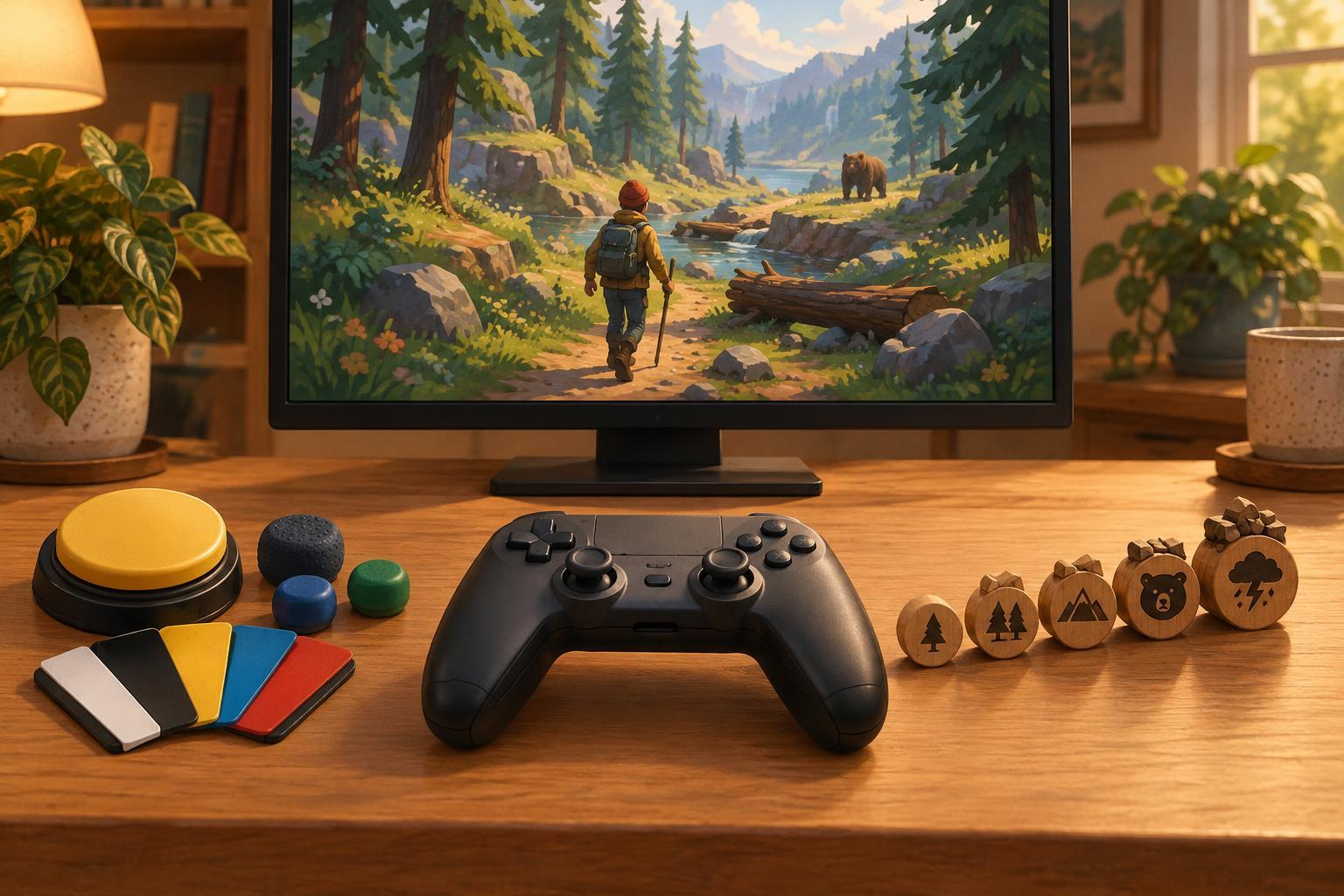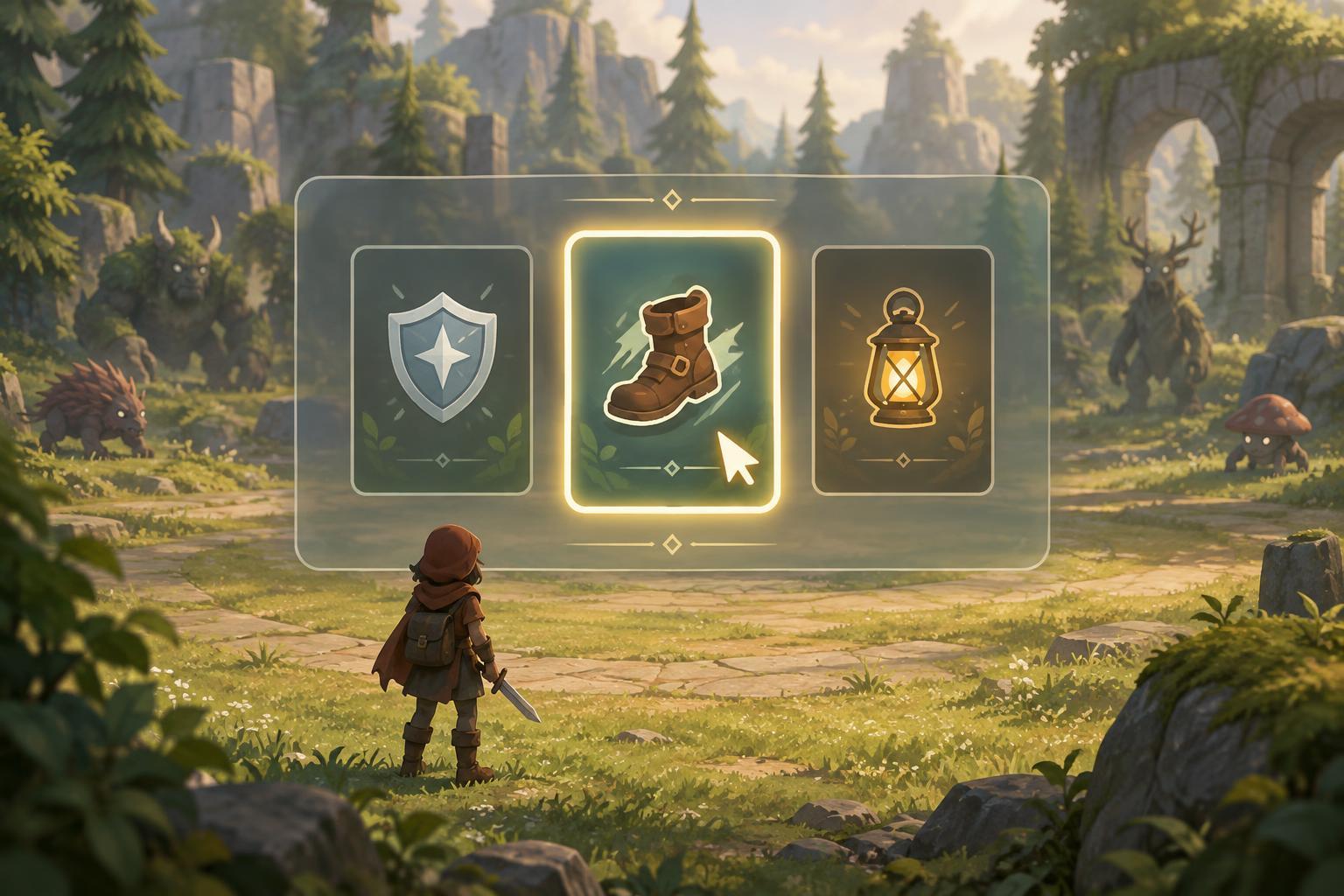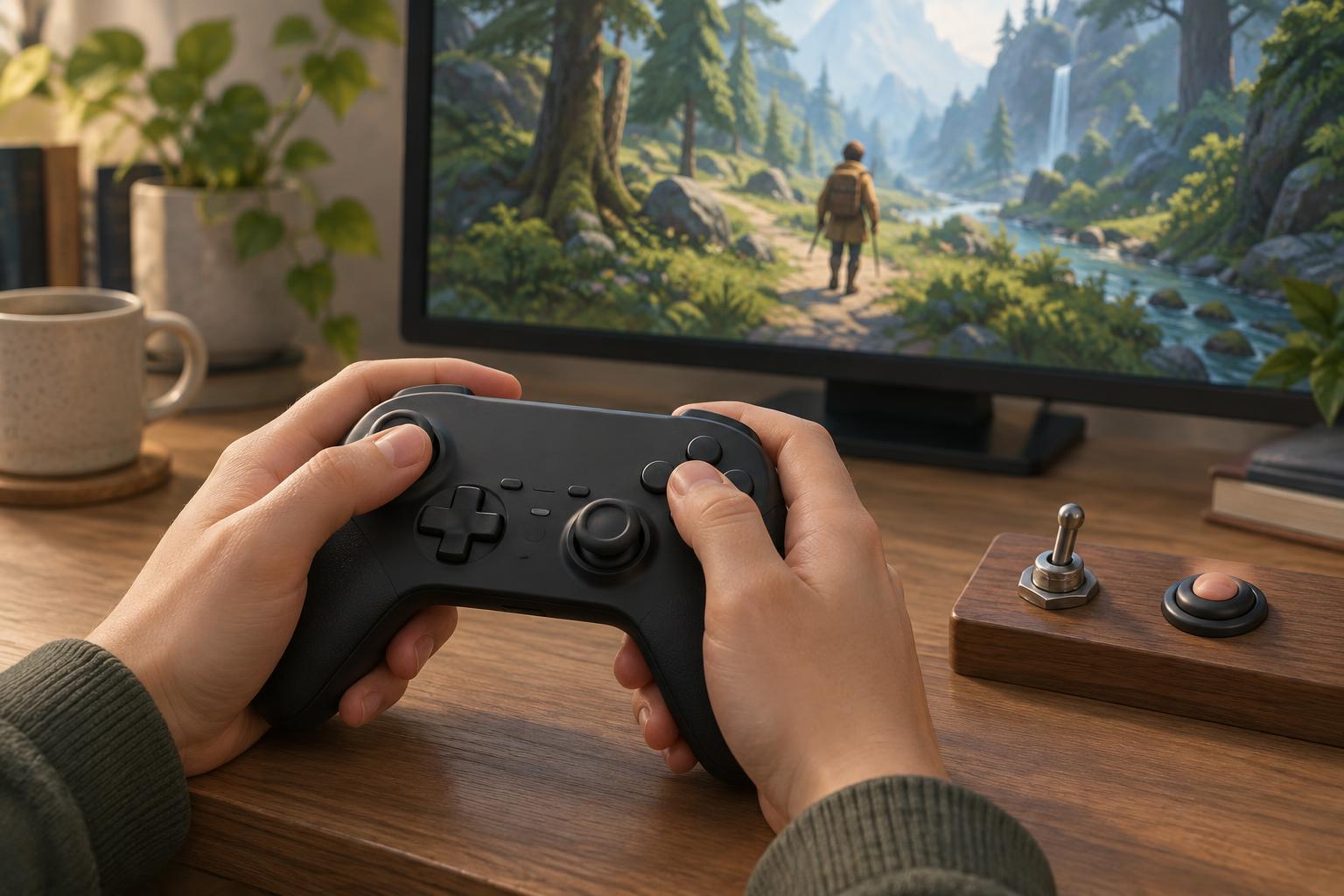
What changes when an action becomes a toggle?
A hold control stays active only while a button is pressed. A toggle switches an action on with one press and off with another. The difference sounds small, but it changes what your hand must do during a run. Holding an aim button, for example, requires continuous pressure; toggling aim replaces that pressure with two separate presses.
Neither option is automatically easier. A toggle may reduce the effort of maintaining a button press, while a hold can make it simpler to stop an action the instant you let go. In fast survival and arcade-style games, that immediate release can matter when you need to move, dodge or change targets. The useful question is not which setting is best overall, but which actions you use often, how long you use them and how easily you can tell when they are active.
Start with frequent and sustained actions
Look first at actions that occupy your fingers for much of a run: aiming, sprinting, charging, guarding or keeping a menu open. If the game offers a toggle for one of these, try it in a low-pressure area. Check whether you can activate it reliably, notice its current state and switch it off without interrupting another important input. An on-screen indicator can help when the action is not visually obvious.
Repeated actions deserve a separate look. Turning a rapid-fire button into a toggle may mean fewer presses, but it may also fire when you intended to wait. Some games offer auto-fire, repeat-input or simplified-action settings instead. Those options can be worth testing, especially in games where attacks are expected to run almost continuously. In titles with automatic attacks, focus on the controls you still operate frequently, such as movement, targeting or ability use.
Keep precise actions easy to cancel
A hold often works well for brief, deliberate actions. Holding a button to inspect a map can make the map disappear as soon as you release it. Holding to block may feel predictable if you need to stop blocking quickly to move. Toggles can still work for these actions, but they place more importance on remembering the current state and making the second press at the right time.
This becomes especially relevant when several modes overlap. If sprint, aim and a targeting aid are all toggled, it can be hard to know which ones remain active after a hectic encounter. Try changing one action at a time rather than toggling everything at once. That makes it easier to spot an unwanted interaction and to build a control scheme you can use without constantly checking the settings screen.
Test the whole input, not just the setting
A toggle only helps if its button is comfortable to reach. Check whether switching it on forces you to release movement or reach across the controller. Remapping an action to an easier button may be more useful than changing hold to toggle. On a keyboard, consider whether a combination makes one hand manage too many simultaneous keys. On a controller, notice whether a trigger, bumper or stick click feels awkward when used repeatedly.
Give each change a short, repeatable test: play a familiar section, try moving while activating the action, then practise stopping it under pressure. Notice missed inputs and accidental activations as well as how your hands feel. If a setting makes play less demanding in one moment but creates confusion later, try another mapping or return to hold. There is no need to keep a control scheme simply because it is labelled accessible.
Make the setup easy to revisit
Comfort can vary with the game, input device and length of a session. A toggle that feels natural in a slower build-planning run may be distracting in a game built around quick, precise responses. Save separate control profiles if the game or platform allows it, and make a note of changes that worked so you can restore them after an update or reinstall.
Controls are only one part of a manageable setup. Readable indicators, suitable button placement, adjustable sensitivity and breaks from repetitive input can all matter. If an action causes persistent discomfort, do not try to solve it by pushing through a run. The aim is to find controls that let you play with less unnecessary effort while keeping the feedback and precision you need. This is general gaming guidance from an independent editorial site, not an official control recommendation for any particular game.