What vibration adds to a game
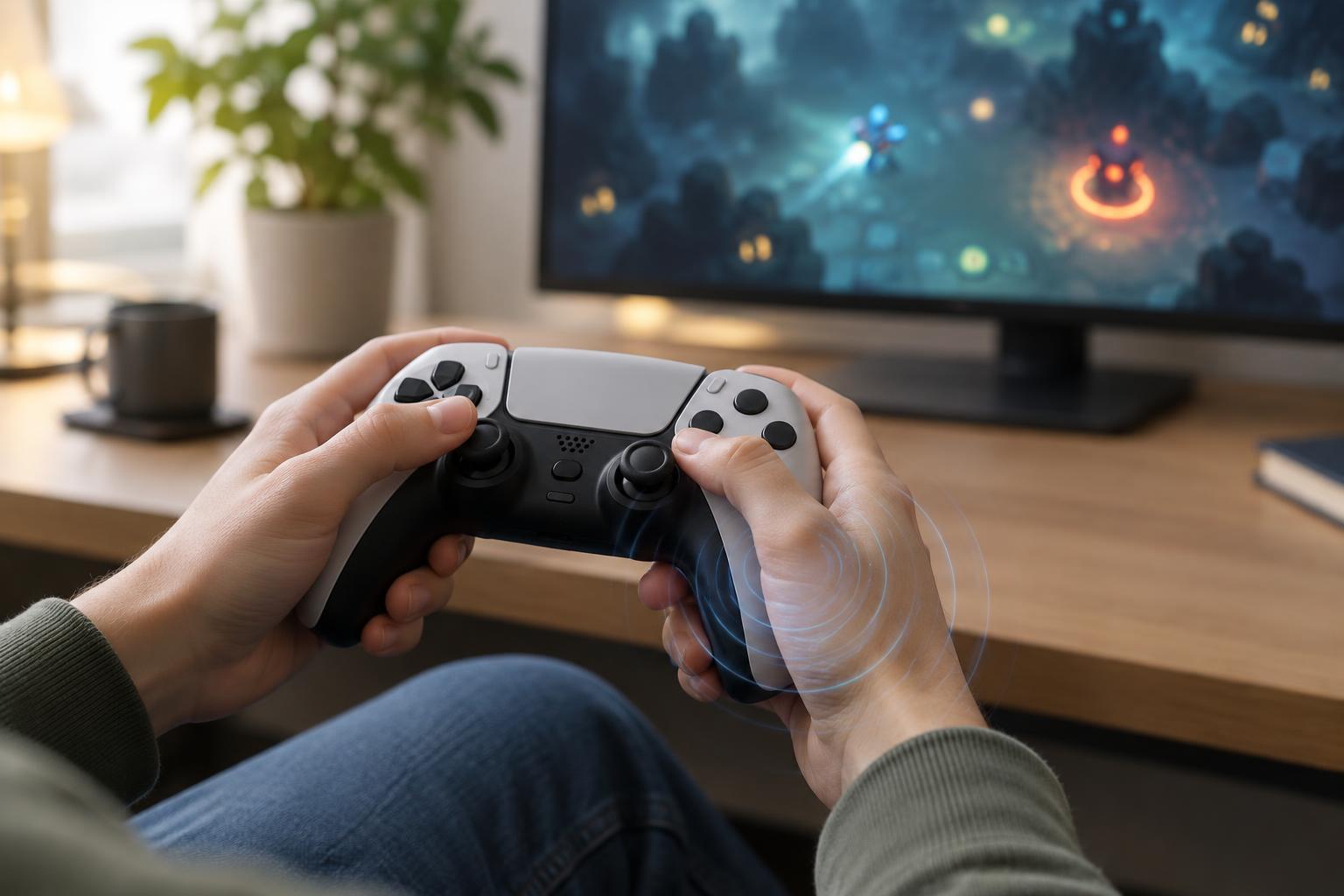
Controller vibration gives your hands a signal alongside what you see and hear. A short pulse might confirm a menu selection, while a stronger rumble might accompany a hit, explosion or environmental hazard. Depending on the game and controller, different patterns can help distinguish one event from another. Vibration is usually a feedback channel rather than a control you need to play.
In a busy survival or arcade-style game, that extra channel can be useful. When the screen fills with enemies and effects, a pulse may draw your attention to damage you did not notice visually. In a roguelite, it may give an upgrade pickup or powerful attack a distinct feel. These effects can make play more engaging, but their usefulness depends on whether the signal tells you something you can act on. Repeated rumbling during constant combat may communicate little once everything feels the same.
When turning it down or off makes sense
Comfort is a good reason to change the setting. Frequent or strong vibration can be unpleasant for some players, particularly during long sessions or games with near-continuous impacts. It may also pull attention away from movement, aiming or reading the screen. If you find yourself bracing for a rumble or gripping the controller more tightly because of it, try reducing the intensity or switching it off.
Vibration can be distracting even when it is not uncomfortable. In games that reward small, precise movements, an unexpected pulse may interrupt your rhythm. It can also feel excessive when every collision, shot and menu action triggers a response. Turning vibration off does not make a run less legitimate; it changes how the game presents feedback, much like adjusting sound levels or visual effects.
There is no universal best setting. One player may rely on a damage pulse as a useful warning, while another may find the same pulse stressful. Your preference can also change between games or between a relaxed session and a difficult challenge. Treat the setting as something to revisit, not a decision you must make once.
How to find the right level
Start with the game's controls or accessibility menu. Some games offer a simple on-off switch; others let you adjust vibration strength or separate effects such as impacts and environmental rumble. If the game has no option, check your console, operating system or controller software for a broader setting. A system-level change may affect more than one game, so remember where you made it if feedback seems to disappear elsewhere.
Test a change during a familiar stretch of play rather than judging it from a menu alone. Notice whether you still catch important events, especially damage, low health or a failed action. If you miss something with vibration off, look for an on-screen indicator, audio cue or lower vibration level before returning to the strongest setting. If a game offers separate options for trigger resistance or other controller effects, check those independently; they may not follow the vibration toggle.
Try changing one option at a time. That makes it easier to tell whether a quieter controller helps you focus or whether another adjustment, such as reducing screen shake, made the difference. A setting that works well in one game may not suit another because the frequency and purpose of its feedback can differ.
Keep important cues available
Before disabling vibration, consider what information the game puts in your hands. Damage feedback matters most when visual effects obscure the player character. A pulse may also signal that an ability activated or that an action cannot be performed. If those events have clear visual or audio counterparts, turning vibration off may cost you little. If they do not, try lowering its strength first.
Other settings can help replace a missing cue. Clearer interface elements, captions where relevant, adjusted audio levels and reduced visual clutter may make events easier to recognize. Not every game offers these options, and they will not work equally well for everyone. The practical goal is to build a combination of signals you can notice comfortably while keeping your attention on play.
Controller vibration is most useful when it supports a decision: move away from danger, check your health or confirm that an input registered. If it stops providing useful information, you can turn it down or off. If it helps you stay oriented, leave it on. The right choice is the one that makes the game easier for you to read and more comfortable to play.