Why a paused menu can still feel urgent
In many survival and roguelite games, an upgrade menu appears after a burst of action. The game may pause, but the player still has a decision to make: compare several effects, remember the current build and choose what will help in the next wave. If the menu opens often, even a small navigation problem becomes a repeated interruption.
Time pressure is not always a countdown. It can come from a fast-paced rhythm, a co-op partner waiting, or the effort of holding a build plan in mind. A usable upgrade menu should let players understand their options at a glance without forcing them to decide instantly. The same design choices that help someone using a controller, keyboard or assistive input can also make the game feel smoother for everyone.
Make the current selection unmistakable
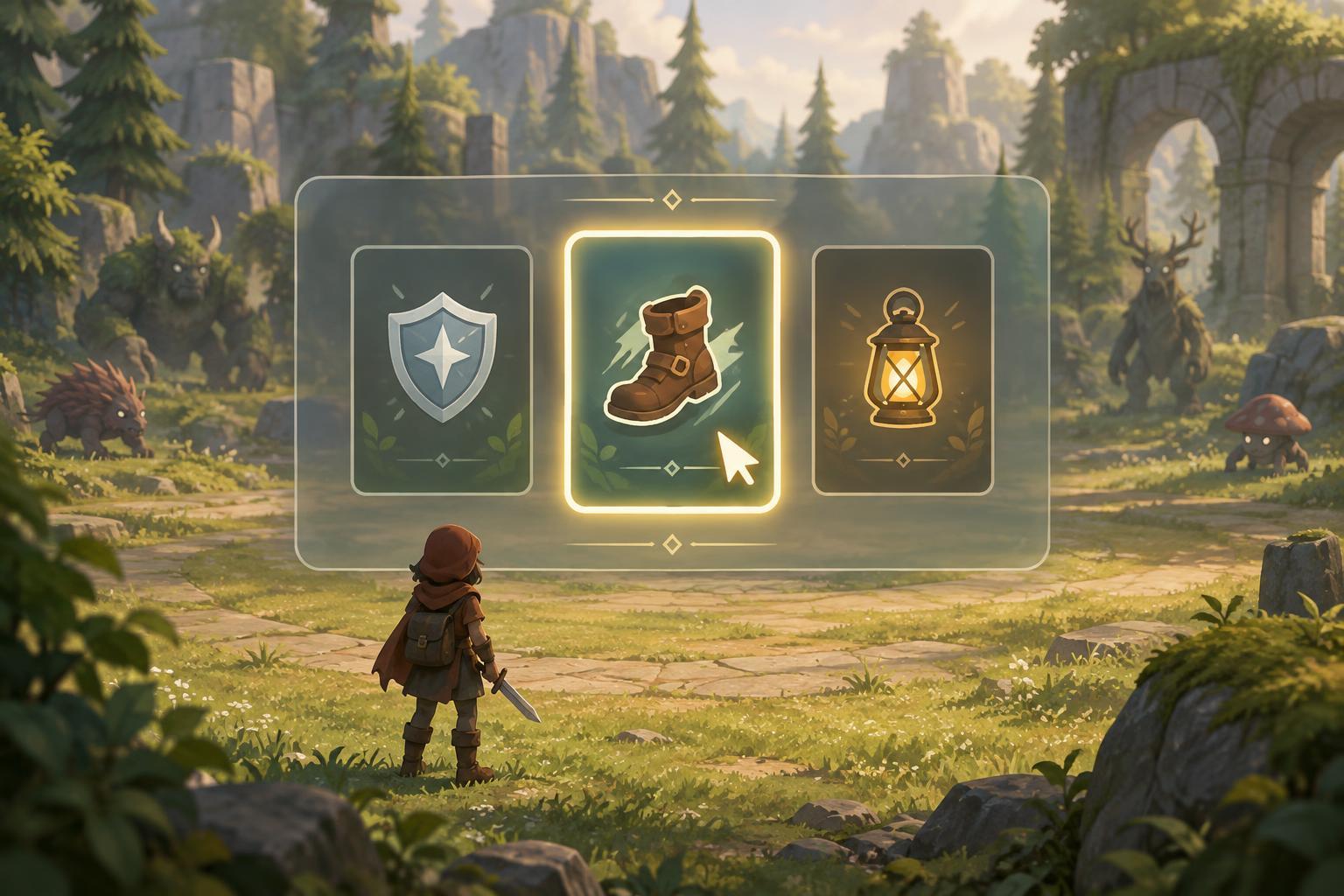
The first question a menu should answer is: which option will activate if I press confirm? A clear focus indicator does more than change a card’s color. A visible border, pointer, shape change or label can distinguish the selected card when colors are hard to tell apart or the screen is crowded. The indicator should remain easy to find while a description expands or a comparison panel opens.
Focus should also move predictably. In a row of upgrade cards, left and right ought to follow their visual order. If cards form a grid, directional input should take the player to a nearby card rather than jumping unexpectedly. When the menu opens, starting focus can return to the first option or another consistent position; it should not silently land on a choice that varies without explanation. A confirm press should activate only the visibly focused option, while a separate input can open more detail if detail is available.
Put the decision-making details where players look
An upgrade card works best when its main effect is understandable before the player opens a longer description. A short name and plain-language summary can say what changes, while details can explain conditions or trade-offs. Consistent terms matter: if an effect is called a cooldown reduction on one screen, renaming it as speed elsewhere makes comparison harder. Icons are useful reminders, but they should not be the only way to tell two options apart.
The menu can also show relevant context without deciding for the player. Indicating an upgrade’s current level, whether it improves an owned ability, or whether it adds something new helps players compare options against their build. If an effect depends on a condition, that condition belongs near the effect rather than buried in a distant help screen. Readable text size, strong contrast and enough space between cards reduce the need to scan the same sentence repeatedly. Longer descriptions should remain available for players who want to check exact behavior.
Give players control over pace and input
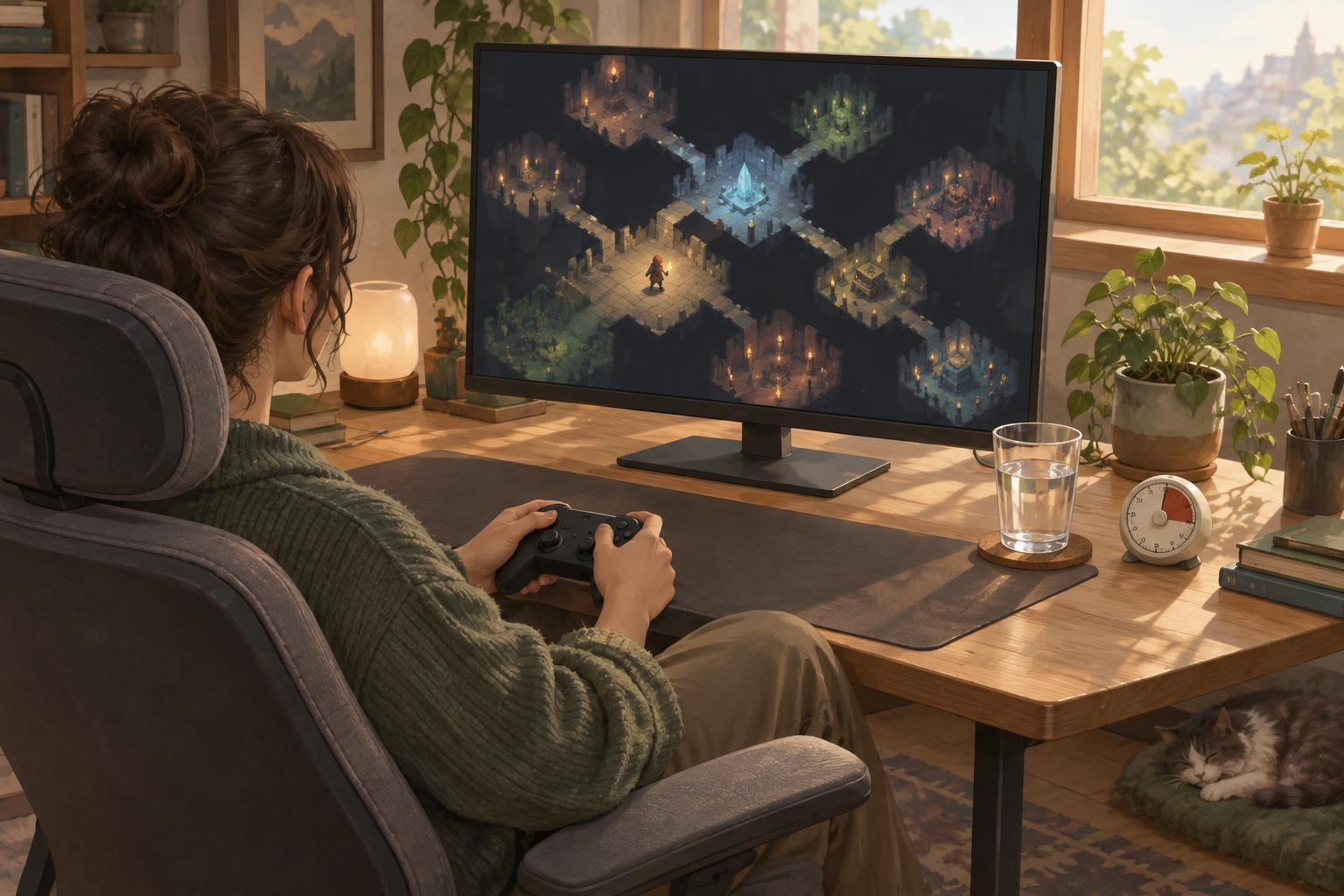
If gameplay continues behind an upgrade menu, consider whether that pressure is essential to the intended challenge. A pause option, a longer selection window or a setting that removes the timer can preserve the decision while changing how quickly it must be made. If the game cannot pause, an obvious timer and a clear explanation of what happens when it expires are more helpful than a surprise automatic choice.
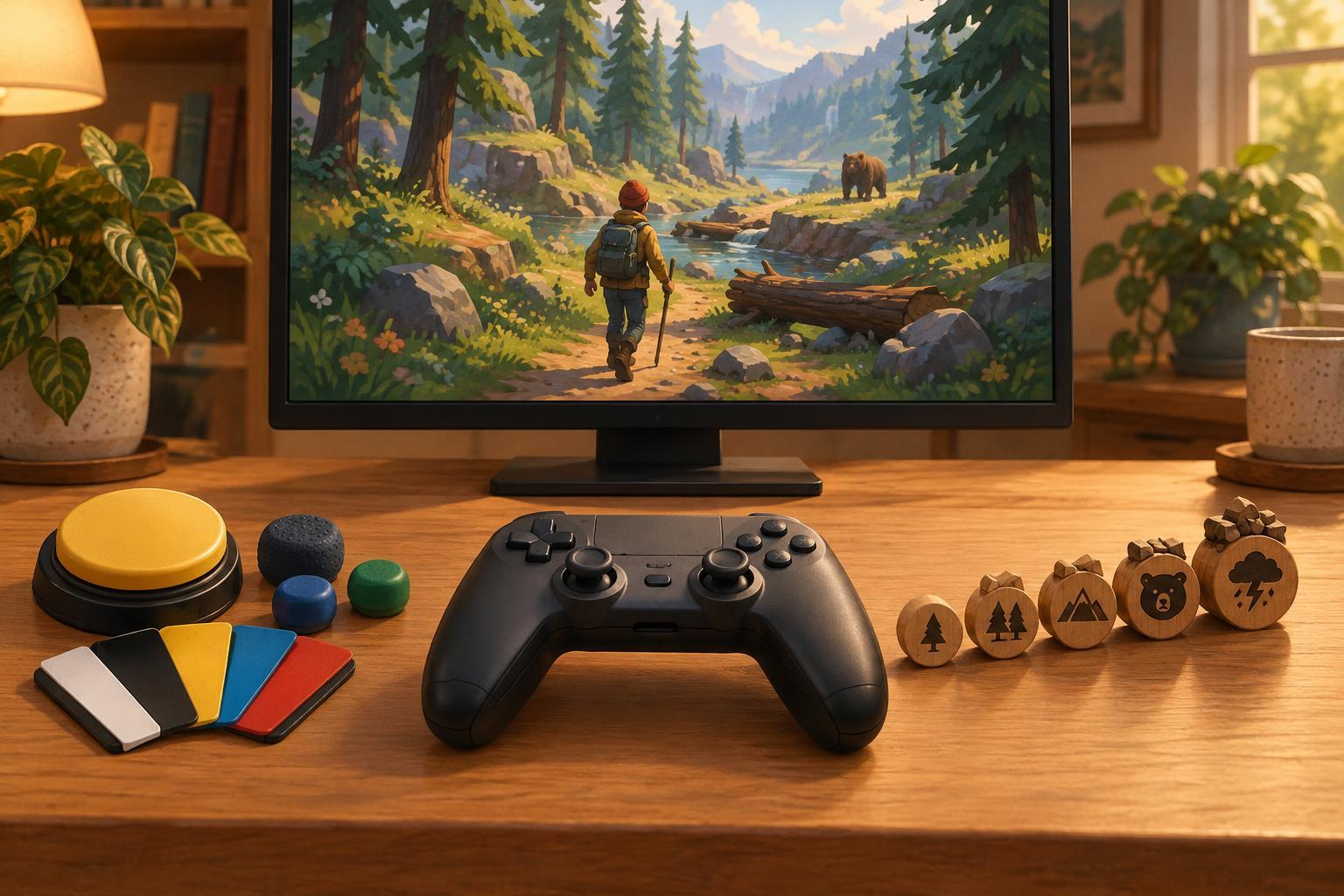
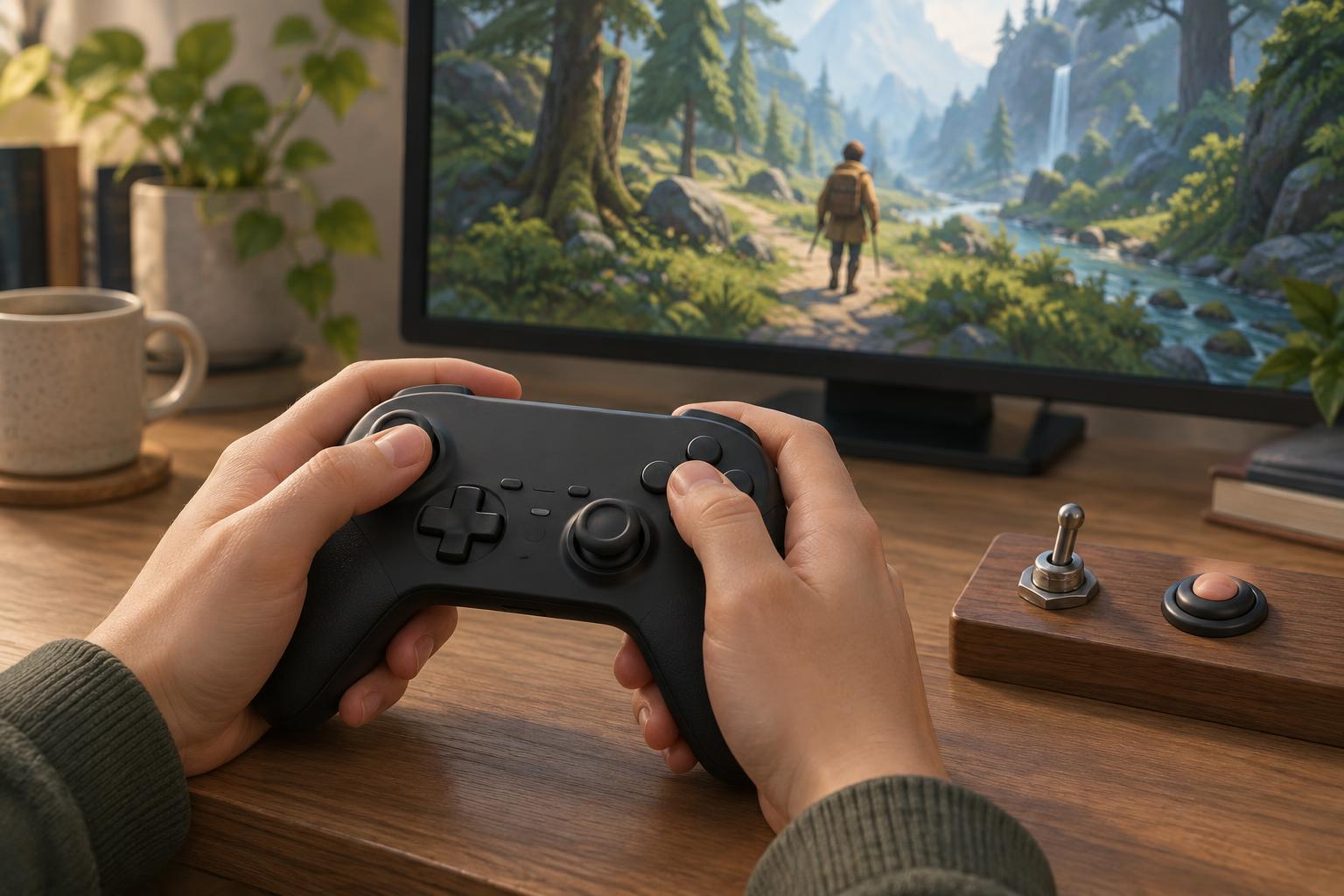
Input options matter just as much as timing. Menus should support the same remappable controls as the rest of the game where practical, including a comfortable confirm and back action. They should not require a held button when a single press would work. For mouse and touch input, generous selection areas and spacing help prevent accidental choices. For controller and keyboard input, players should be able to reach every option without switching devices. A confirmation step for irreversible picks may help, provided it can be turned off or made quick for players who prefer a faster flow.
Build a calmer selection routine
Players can reduce menu pressure even when a game offers few settings. Before a run, choose a simple priority: for example, improve a reliable attack first, then look for defense or movement if survival becomes difficult. Treat that as a guide, not a rule. When a menu appears, identify the focused card, read each option once, then check which choice addresses the most immediate weakness. This is usually easier than trying to calculate an entire build from scratch at every level.
Designers can test the same flow by making choices repeatedly with different input methods and at different reading speeds. Watch for lost focus, accidental confirmation, text that requires excessive scrolling and choices whose effects are unclear until after selection. Upgrade menus are small screens with a large job: they connect moment-to-moment action to longer-term planning. When navigation is consistent and the pace is adjustable, more players can spend their attention on the strategy rather than on operating the menu.