Find out which sounds carry useful information
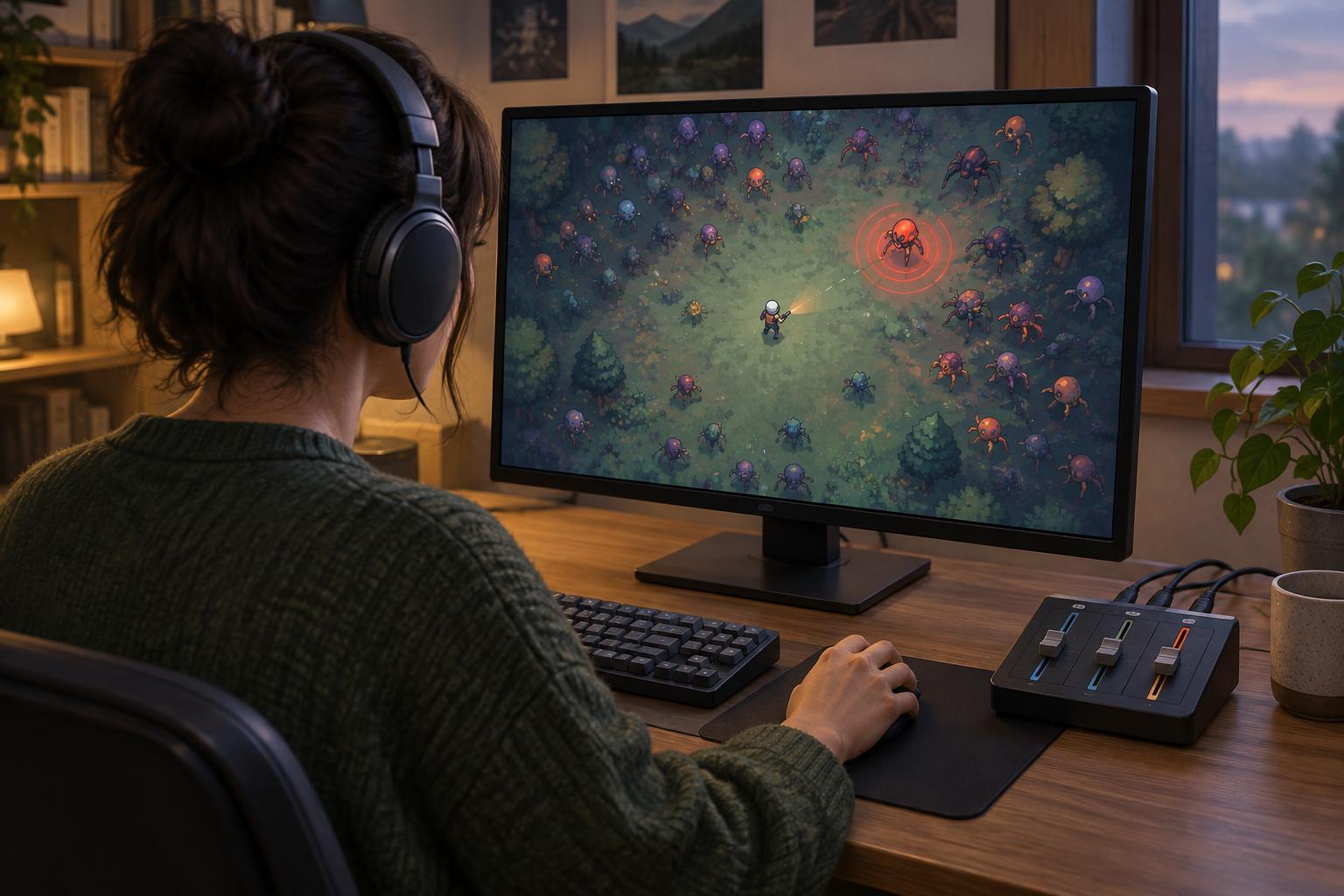
Survival and arcade-style games often ask you to watch several things at once: your character, nearby enemies, incoming projectiles and a growing field of visual effects. Audio can reduce that workload. A distinct sound might signal an attack winding up, an enemy appearing off-screen, a pickup arriving or your health dropping. If that sound disappears into the music, the problem is not necessarily your reaction time; it may be the mix.
Start by identifying the cues you actually use. During a familiar, low-pressure run, note which sounds make you change direction, dodge or look at the screen differently. Separate those from sounds that mainly add atmosphere, such as routine hits or repeated pickup chimes. Games do not all organize audio the same way, so a warning may be controlled by an effects slider, a voice slider or a broader master setting.
Adjust one setting at a time
Set your device to a comfortable listening level before changing the game’s mix. Raising the master volume to make one warning audible can make everything else unpleasantly loud. If the game offers separate controls, try lowering music a little while leaving effects near their starting level. Play long enough to encounter ordinary combat and at least one important cue, then adjust again. Small changes make it easier to tell what helped.
If effects contain both warnings and constant noise, turning the entire effects channel up may not solve the problem. Repeated attacks, explosions or pickup sounds can mask the very cue you want to hear. In that case, lower music and consider whether the game has additional controls for interface sounds, ambience or voices. When those controls are absent, aim for a workable compromise rather than a perfectly isolated warning.
Check the mix during the busiest part of a run, not just on a quiet menu screen. A setting that sounds clear at the beginning may fail once enemies and effects fill the arena. Keep the overall volume comfortable throughout the test. Clear warnings should come from a better balance, not from enduring a louder game.
Check your output and accessibility options
Speakers, headphones and television audio can emphasize different parts of a mix. If you switch devices, test your settings again. Also check that the game and your device are using the output you expect. A spatial cue may be harder to interpret if a stereo signal is routed through an unsuitable setting or one side of a headset is difficult to hear.
Some games provide mono audio, dynamic-range presets, subtitles, closed captions or visual indicators for important events. Availability and quality vary. Mono audio can help when left-right separation is not useful to you, although it may remove directional information in games that rely on it. A reduced dynamic-range option may make quiet cues easier to notice beside louder moments. Captions or visual warnings can provide another route to information, especially when several sounds overlap.
Use these features together rather than treating audio as the only way to play. If a warning remains hard to hear, look for a consistent animation, screen-edge indicator or other visual tell. For games with customizable controls, a comfortable movement or dodge input can also give you more room to respond once you recognize a cue.
Build a repeatable listening check
Once you have a promising mix, test it in a repeatable situation. Choose a familiar character, stage or early encounter if the game allows it. Listen for the same two or three warnings across a few attempts, and ask whether you noticed them before you saw the outcome. If you still miss them, change one setting and repeat. This is more useful than adjusting several sliders after every surprising hit.
Remember that audio cannot make every crowded moment perfectly readable. Some games intentionally layer many sounds, while others provide few separate controls. Your goal is a comfortable setup that gives meaningful warnings a fair chance to stand out. When you find it, make a note of the settings, particularly if you share a device or switch between speakers and headphones. This is independent editorial guidance, not an official settings recommendation for any particular game.