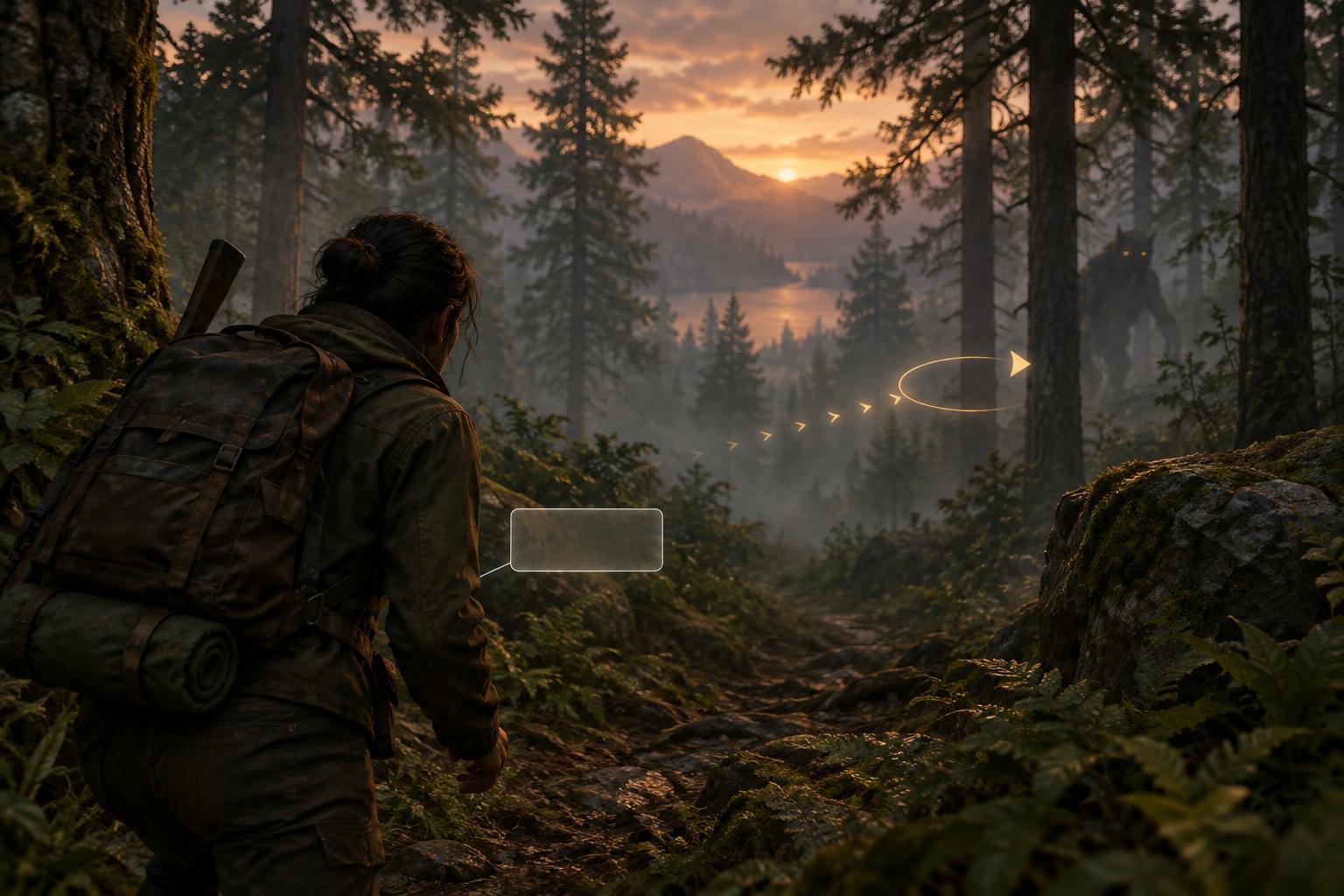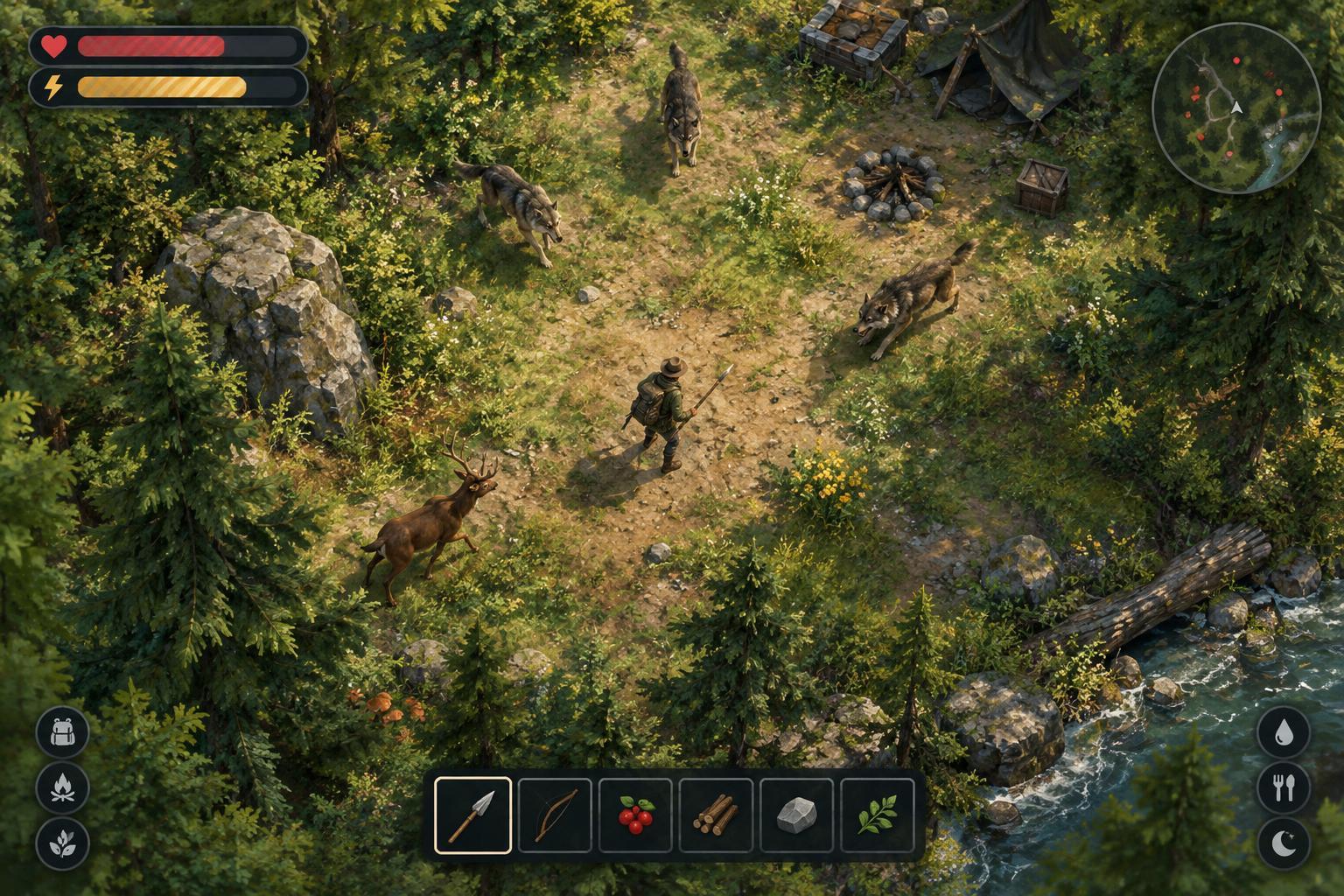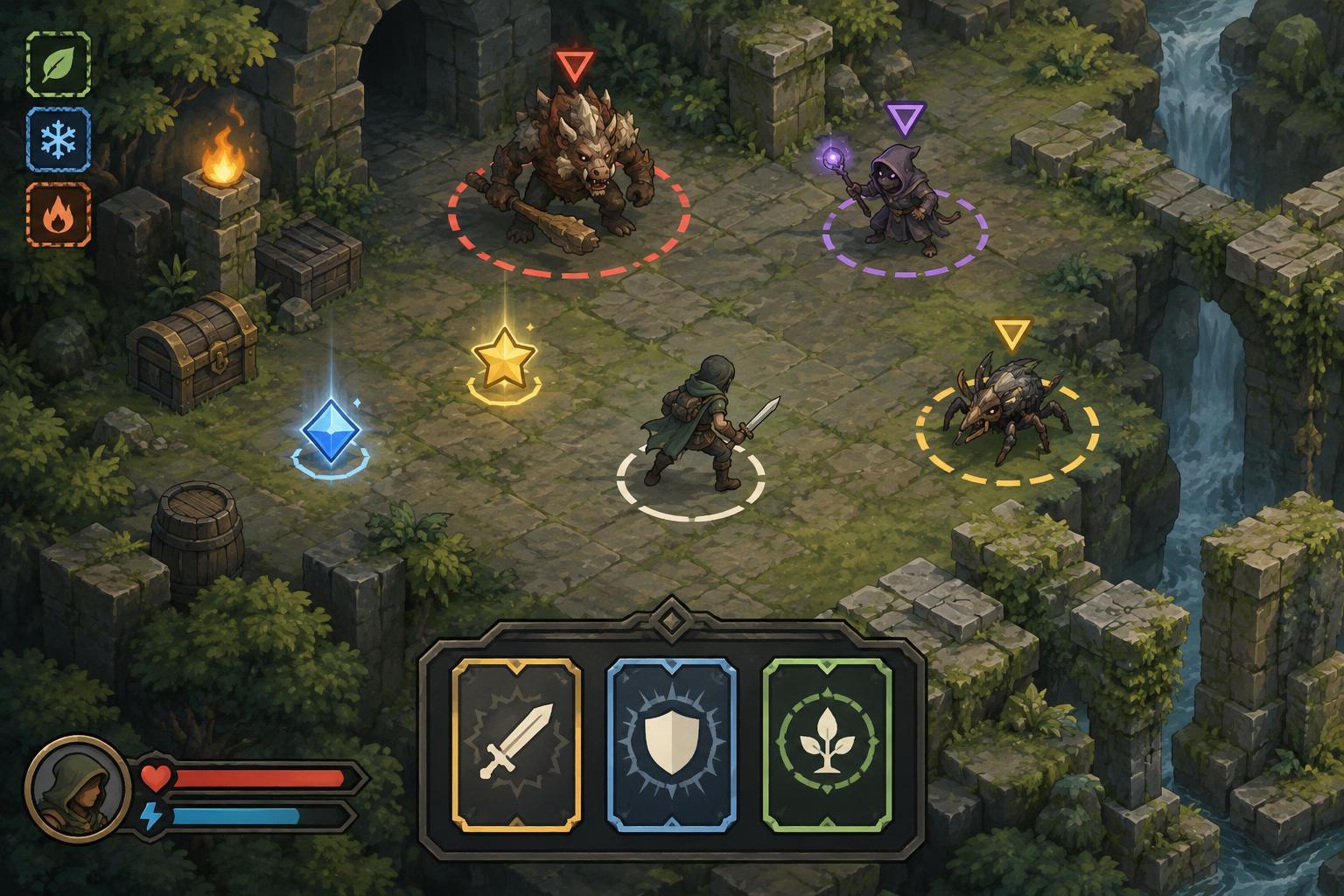
Why color alone can fail during a run
Roguelites often ask players to make decisions while moving, dodging, and watching several effects at once. A colored outline might mark a dangerous enemy, while another color identifies a pickup or signals that a skill is ready. Those cues can be useful, but they become harder to rely on when two colors look similar to a player, the background changes, or bright effects cover the indicator. Even players who can distinguish the colors in a menu may struggle to read them at game speed.
A good question is not simply, “Does this game have a colorblind mode?” It is, “Can I still tell what I need to do if I miss the color?” An effective interface gives important states more than one recognizable cue. Color can reinforce the message, while shape, position, text, pattern, animation, or sound helps carry it.
Look for distinct shapes and readable boundaries
Start with the information that affects immediate survival. If one ground marker warns of an incoming attack and another shows a beneficial area, they should differ in more than hue. A solid circle and a striped ring, for example, communicate different states even without their colors. Clear edges also matter: a warning shape that blends into grass, darkness, or spell effects may disappear at the moment it is needed most.
Enemy and projectile indicators deserve the same attention. Icons, silhouettes, or consistent outline styles can make targets easier to identify in a crowd. Watch for cues that remain visible when enemies overlap or the screen fills with particles. If an indicator works only on an uncluttered preview screen, it may offer less help during a late, busy stage.
Check how status, loot, and build choices are labeled
Not every accessibility problem happens in combat. Roguelites frequently use color to separate item rarity, upgrade tiers, damage types, or status effects. In a selection menu, a rarity color is easier to interpret when the item also has a written tier, a distinct icon, or a consistent frame design. A status effect is easier to track when its symbol stays the same in descriptions and on the play screen.
Consistency helps players learn an interface over repeated runs. If a shield icon means protection in one menu, it should not unexpectedly signal a different resource elsewhere. When considering a build, look for descriptions that explain what an upgrade changes rather than relying on colored numbers alone. Clear labels also make it easier to compare choices after a pause, when the player has time to plan instead of react.
Treat settings as tools, not guarantees
Useful options may include alternate palettes, adjustable contrast, larger interface elements, reduced visual effects, or clearer enemy outlines. A colorblind preset can help some players, but no single palette will suit everyone or fix a cue that depends entirely on color. If the game offers separate controls, try adjusting the parts that cause trouble: a warning marker may need stronger contrast, while dense particles may need less visual intensity.
Controls matter here too. Information that appears only during a short hover can be awkward to inspect with a controller or while using a slower input method. Pause-friendly menus, predictable focus movement, and readable tooltips give players more opportunity to understand icons and upgrades. When settings can be changed without losing a run, it is easier to find a combination that works in play rather than guessing from a static menu.
Use a short in-game readability test
To assess an interface, pick a few states you must recognize quickly: an incoming attack, low health, a ready ability, a harmful status, and a desirable pickup. For each one, ask whether you can identify it by something besides color. Then check it against both light and dark backgrounds and during a crowded encounter. You do not need a perfect visual system to learn from this test; the aim is to find which cues remain dependable under pressure.
If an important signal is unclear, look for an alternate setting or a more stable place to read that information, such as a fixed status icon or labeled menu. The strongest roguelite interfaces let color speed up recognition without making it the only path to understanding. That leaves more attention for the decisions that make a run interesting: where to move, what to collect, and which build to pursue.