Start with the actions the game asks you to repeat
There is no universally better input method for roguelites. A twin-stick shooter, a turn-based dungeon crawler and an action game with a single movement control place different demands on your hands. Before choosing a device, note what you do most often: move, aim, dodge, attack, select upgrades or navigate menus. The inputs you repeat hundreds of times matter more to comfort than a button you press once per run.
Also consider when those actions happen together. Holding a direction while tapping attack may feel easy on either device, but moving, aiming and dodging at the same time can expose an awkward layout. Try judging a control scheme by an ordinary, busy stretch of play rather than by how it feels in an empty starting area.
Where keyboards can feel better
A keyboard gives each finger access to several distinct keys. If a game has many abilities or frequent menu shortcuts, that can make actions easy to separate and remember. Keyboard controls can also suit games that use clear directional movement or let you pause to make choices. If a mouse is involved, it may provide comfortable pointer control for aiming or menus, depending on the game.
The trade-off is hand position. Reaching from movement keys to a distant ability key may interrupt movement, and holding the same keys through repeated runs can become tiring. Look for key rebinding and place frequent actions close to your resting fingers. If a game accepts it, moving an often-used action from a small finger to a more comfortable finger or mouse button may help. A layout that looks tidy on paper is less important than one you can use without stretching.
Where controllers can feel better
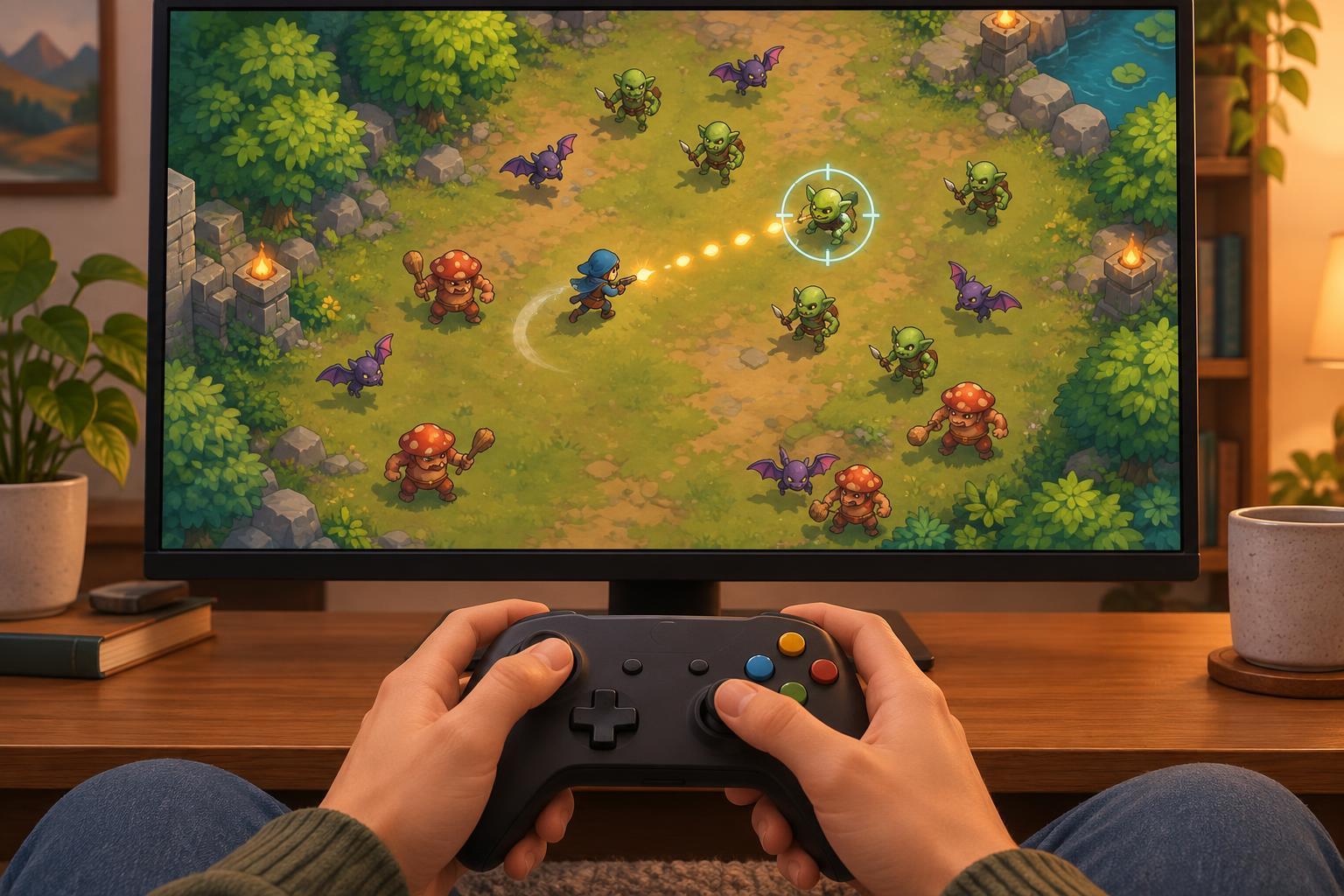
A controller keeps many actions within reach of your thumbs and index fingers, and analog sticks can make movement feel fluid. It may also let you sit in a wider range of positions. For games designed around a small set of actions, a controller can be straightforward: move, aim, dodge and confirm choices without searching a large keyboard.
Its compact layout has limits. Thumbsticks may feel less precise than a mouse for games that ask you to point at small targets. A crowded face-button layout can require you to lift your thumb from a stick at the wrong moment. Triggers and stick clicks may also be uncomfortable when used frequently. If the game offers alternate bindings, consider putting a time-sensitive dodge or attack on a button you can press while maintaining movement. Check menu navigation too; a device that feels good in combat may make upgrade selection frustrating.
Make comfort part of the setup
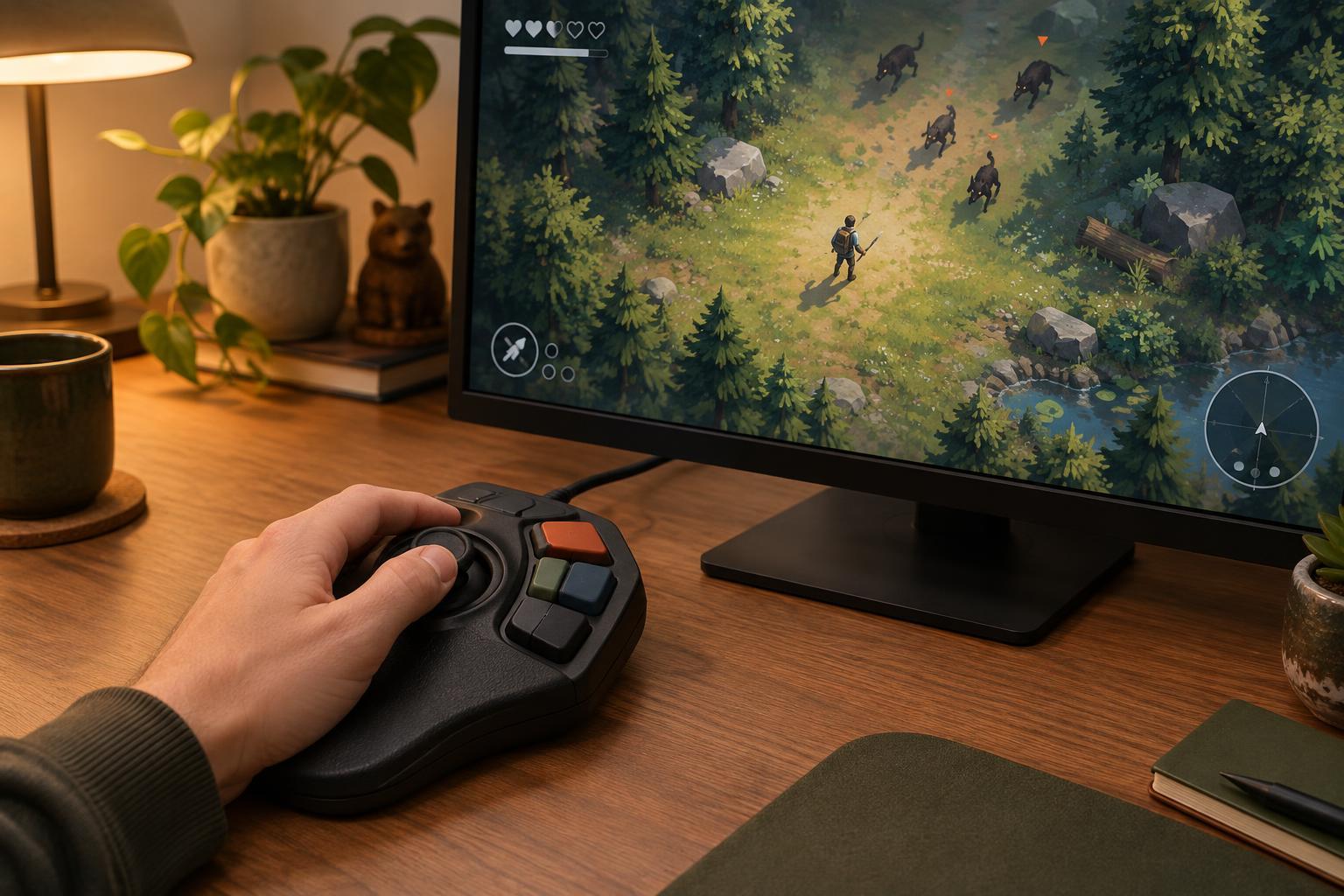
Whether you use a keyboard or controller, start with a relaxed position. Keep the device where your arms can rest naturally rather than reaching forward to use it. Avoid gripping a controller tightly or pressing keys harder than needed. Short breaks between runs offer a useful chance to relax your hands and notice discomfort before starting again.
Accessibility options can matter as much as the device itself. Look for rebinding, hold-versus-toggle choices, aim assistance, adjustable stick sensitivity, input buffering or ways to reduce repeated presses. Available options vary by game, and some may be found in platform settings rather than the game menu. If a control causes discomfort, changing that one action is often more practical than replacing your entire setup. Persistent pain or numbness is a reason to stop playing and seek appropriate professional guidance, not a challenge to play through.
Use a short comparison run
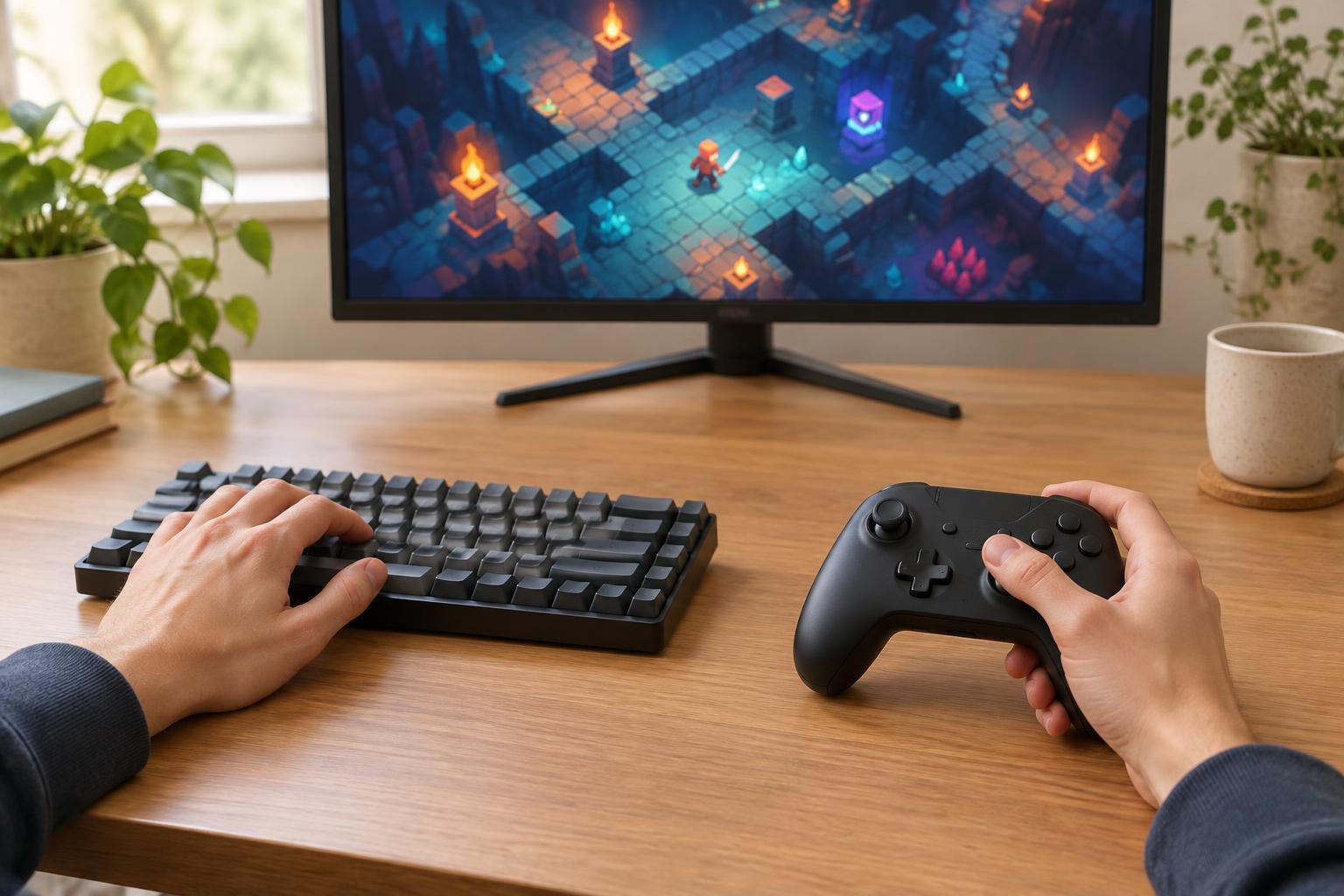
To choose between devices, play the same early section with each one if the game supports both. Keep difficulty and settings as similar as you can. Notice whether you miss inputs, hesitate before pressing a button, or repeatedly reposition your hands. Then check how you feel after the run. A few early mistakes may simply reflect unfamiliarity, while recurring awkward reaches point to a layout worth changing.
You do not have to commit to one device for every roguelite. Keep separate setups for games with different demands, and revisit your choice when a new ability changes which buttons you use most. The best input method is the one that lets you read the game, make deliberate decisions and finish a session comfortably—not the one that seems most competitive in theory.