Two Options That Solve Different Problems
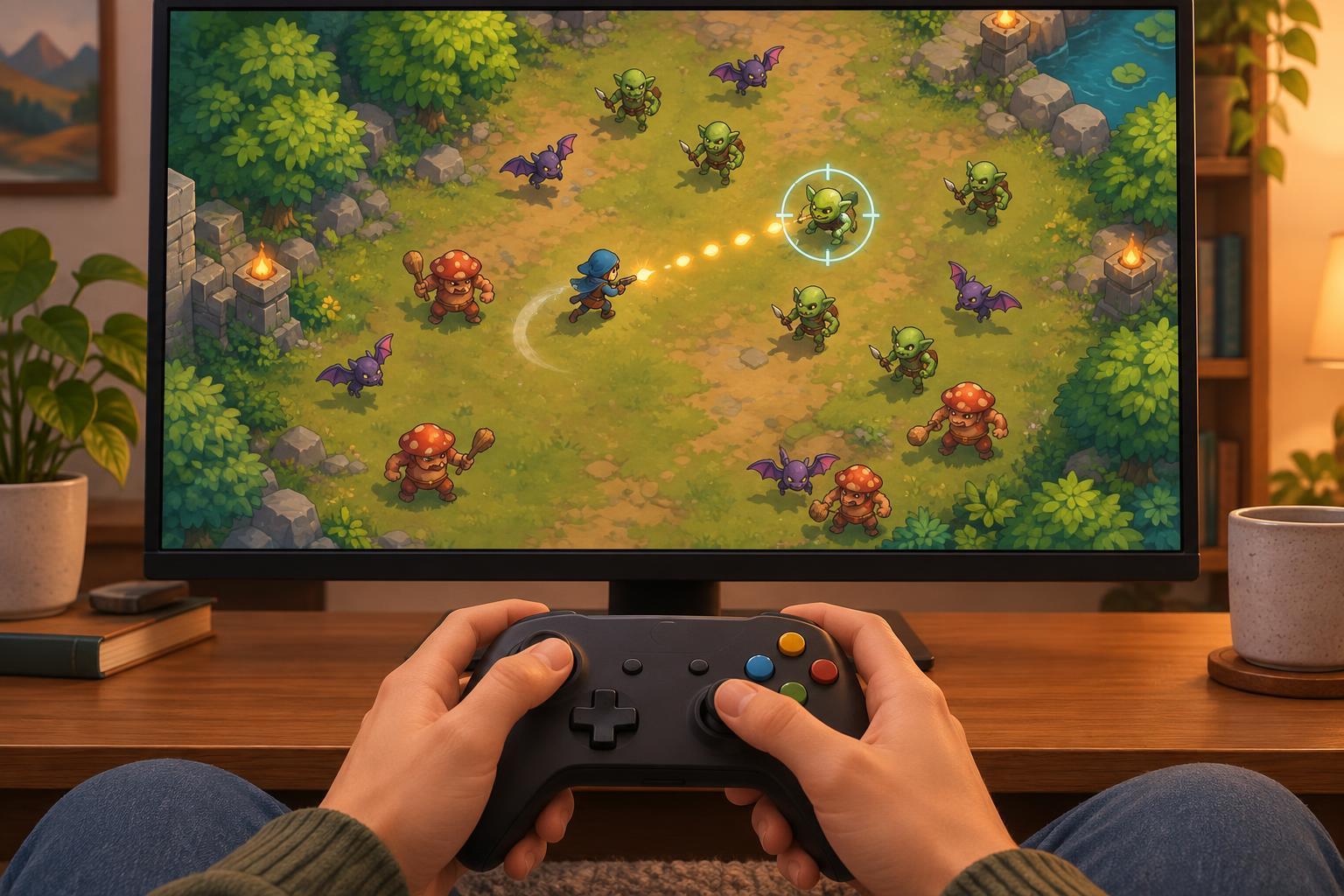
Auto-aim chooses a direction or target for an attack. Auto-fire activates an attack without requiring a separate button press each time. A game can offer either option on its own, both together, or neither. Their behavior also varies: auto-aim might select the nearest enemy, favor the direction of movement, or work only within a limited range. Auto-fire might trigger whenever an attack is ready or only while a button is held.
Those details matter more than the labels. If shots automatically target the closest threat, positioning determines what gets hit. If shots instead follow a fixed direction, the player may still need to steer their character to line up an attack. Before deciding whether a control scheme feels helpful, spend a few moments observing what the game actually automates.
What Happens to Moment-to-Moment Play
Manual aiming divides attention between movement and attack direction. It can reward precise tracking and deliberate target selection, but it can also make crowded encounters harder to read. Auto-aim shifts some of that work away from the hands. The player may spend more attention finding open space, managing distance and deciding which enemies to approach or avoid. It changes the skill being emphasized rather than necessarily removing skill.
Auto-fire changes the rhythm in a different way. Repeated attacks become a background action, so decisions about when to attack may carry less weight. In return, movement can become more continuous: the player is free to navigate a narrow gap without also maintaining a firing cadence. That tradeoff depends on the game. If attacks have limited ammunition, interrupt movement, or expose the character to danger, choosing when to fire may remain an important part of play.
Accessibility Is About Choice, Not One Ideal Setting
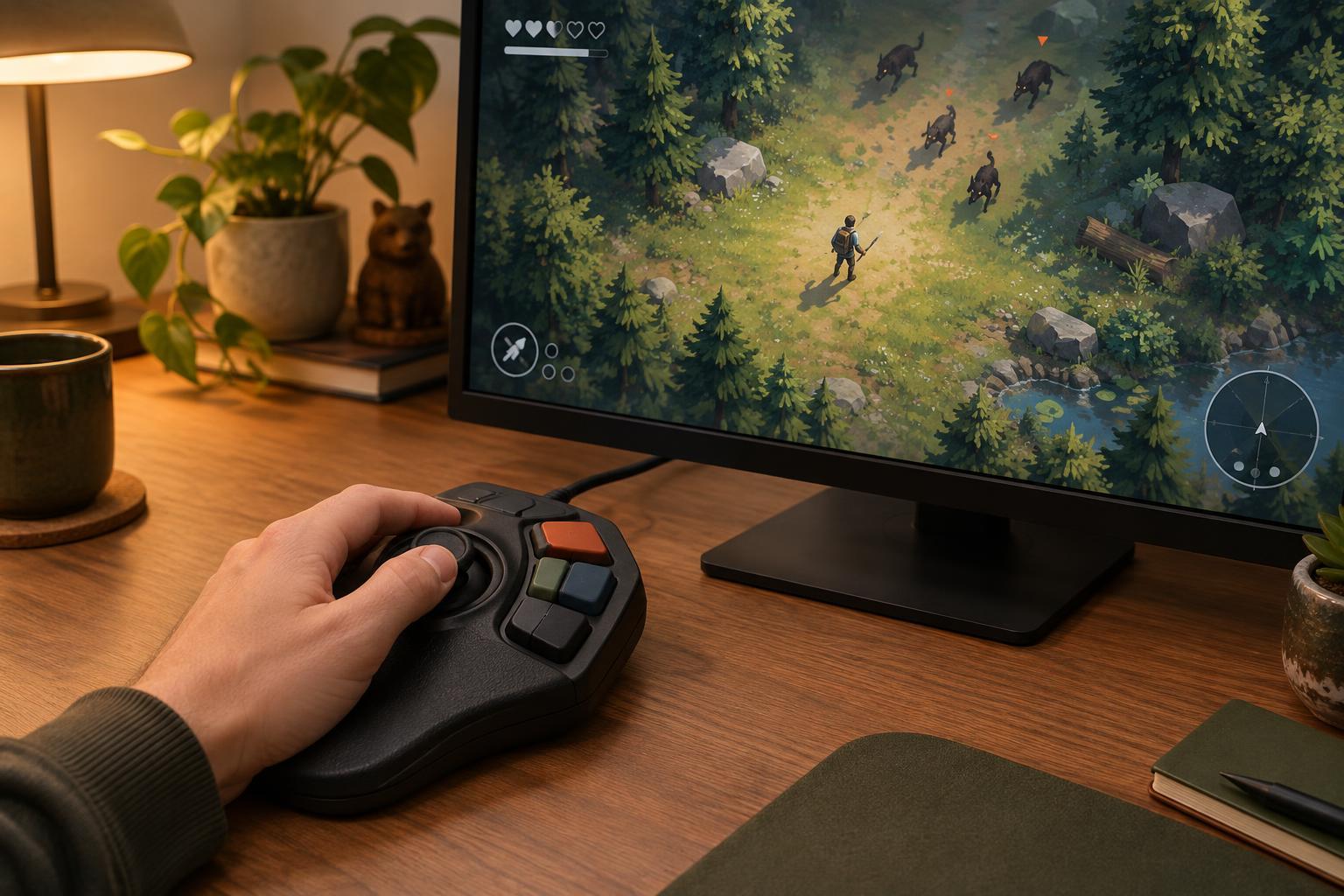
Repeated button presses and simultaneous aiming and movement can be barriers for some players. Auto-fire may reduce repetitive input, while auto-aim may make a game easier to operate with one stick, fewer buttons, or a control setup that is more comfortable for the player. These options can also help someone learning a genre: fewer actions to coordinate at once leaves more room to understand enemy behavior and screen hazards.
Neither feature is a complete accessibility solution. Automatic targeting can feel unpredictable if the game does not show why it picked a target. Automatic firing can create visual clutter or make it harder to pause and assess a scene. Clear indicators, adjustable effects and separate settings for aiming and firing give players more useful control than a single all-or-nothing assist toggle. The best setting is the one that lets a particular player participate comfortably while preserving the decisions they enjoy.
The Strategic Tradeoffs of Automatic Targeting
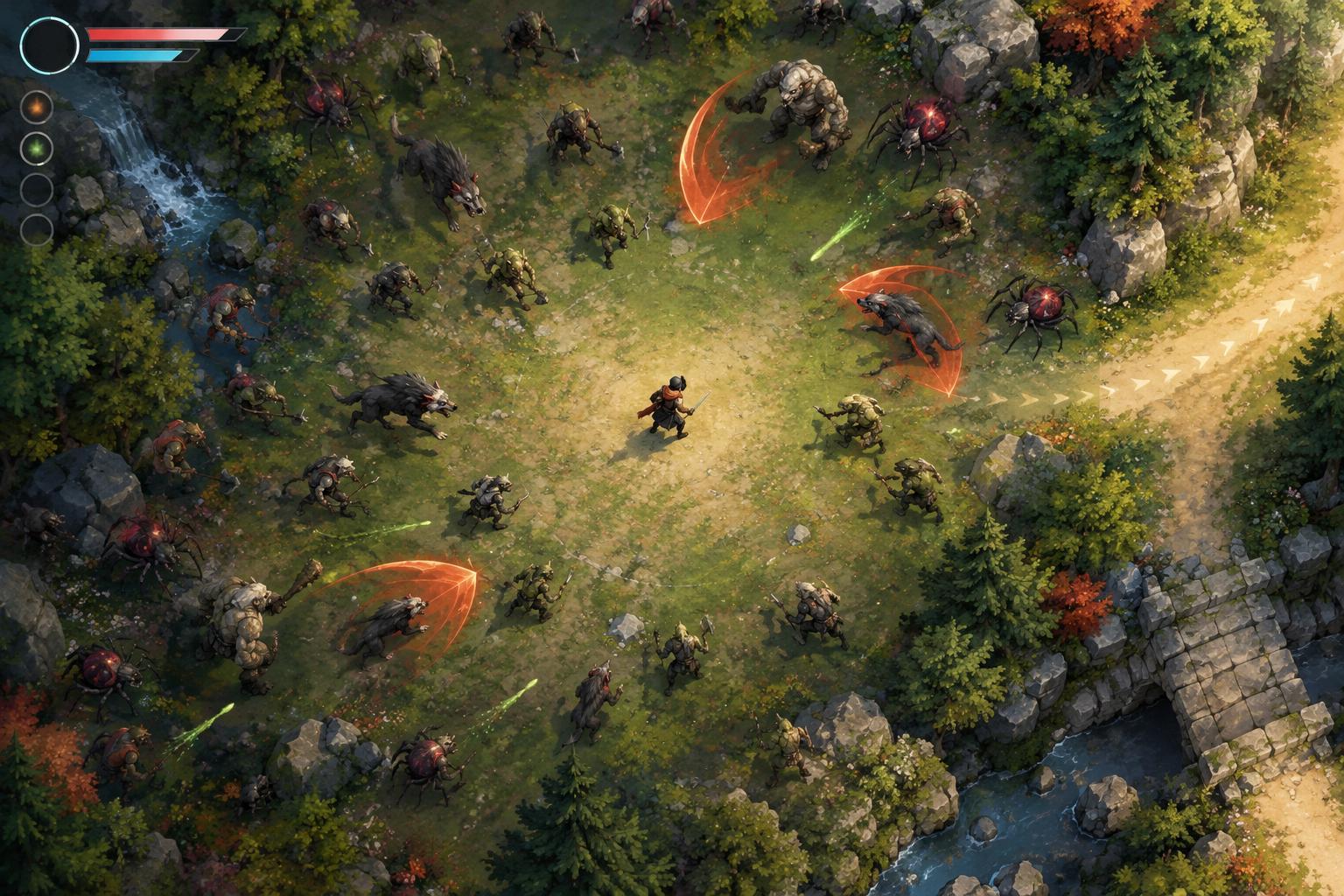
Auto-aim is often reliable against an isolated enemy, but crowded screens reveal its limits. An algorithm that favors the nearest target might keep attacking a minor threat while a more dangerous one approaches from farther away. Aiming toward the densest group might overlook an enemy blocking the player’s escape route. In those moments, movement becomes an indirect targeting tool: stepping to one side can change which enemy is closest or which lane an attack covers.
Build choices can interact with these rules. Wide attacks may be forgiving when precise targeting is unavailable, while a narrow attack can make positioning more important. Effects that trigger on contact, cover an area, or strike multiple enemies may also behave differently from a single directed shot. Rather than assuming that an automated build plays itself, consider how its targeting rules shape safe routes through the arena.
How to Find a Control Setup That Works
Test one setting at a time if the game allows it. First, try auto-aim with manual firing to see whether target selection feels dependable. Then try auto-fire with manual aim to judge whether removing repeated presses makes movement easier. If both options are enabled, watch for situations where an attack goes somewhere unexpected. A short trial against familiar enemies is often more informative than changing every control option before a run.
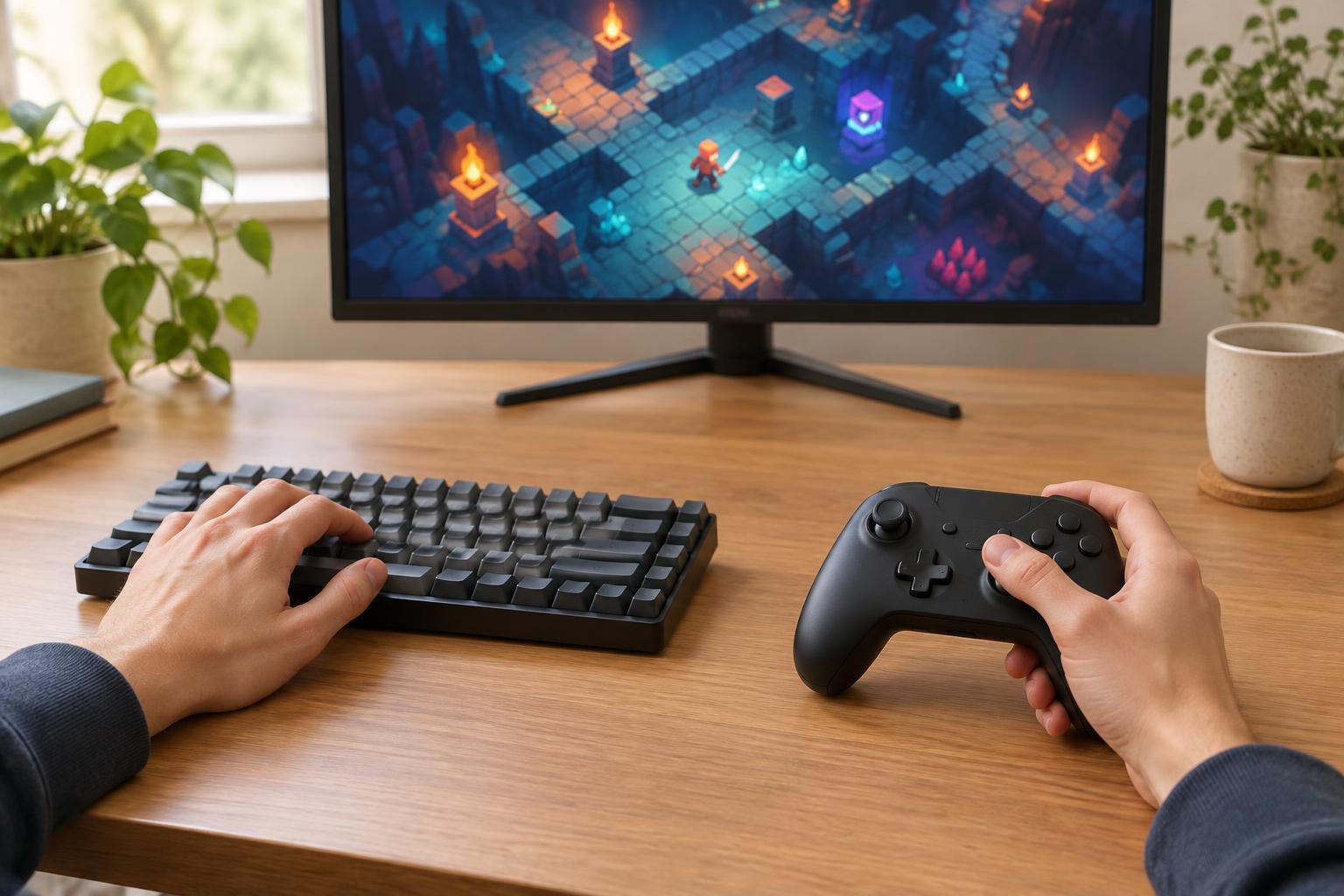
Look beyond simple on/off choices. Where available, sensitivity, aim assist strength, target priorities, button remapping and hold-versus-toggle behavior can make a substantial difference. If an option helps in busy encounters but feels restrictive elsewhere, check whether it can be changed between runs or adjusted for different weapons. Arcade-style play works best when the controls support clear decisions; those decisions do not have to involve pressing every button manually.