Treat interruption support as part of the game
A survival run can demand steady attention even when its controls are simple. Enemies keep moving, upgrade choices arrive mid-run, and a brief distraction can make it hard to remember what you were doing. If your play time is unpredictable, interruption support matters as much as a favorite weapon or build. A game that lets you stop comfortably may be a better fit than one whose runs are shorter but cannot be paused.
Pause, slow-motion and saving solve different problems. Pause gives you a break without changing the action. Slow-motion gives you more time to react while play continues. Saving lets you leave and return later, though the point you return to depends on the game. None is a substitute for the others, so it helps to check each option before committing to a long session.
Find out what “pause” actually stops
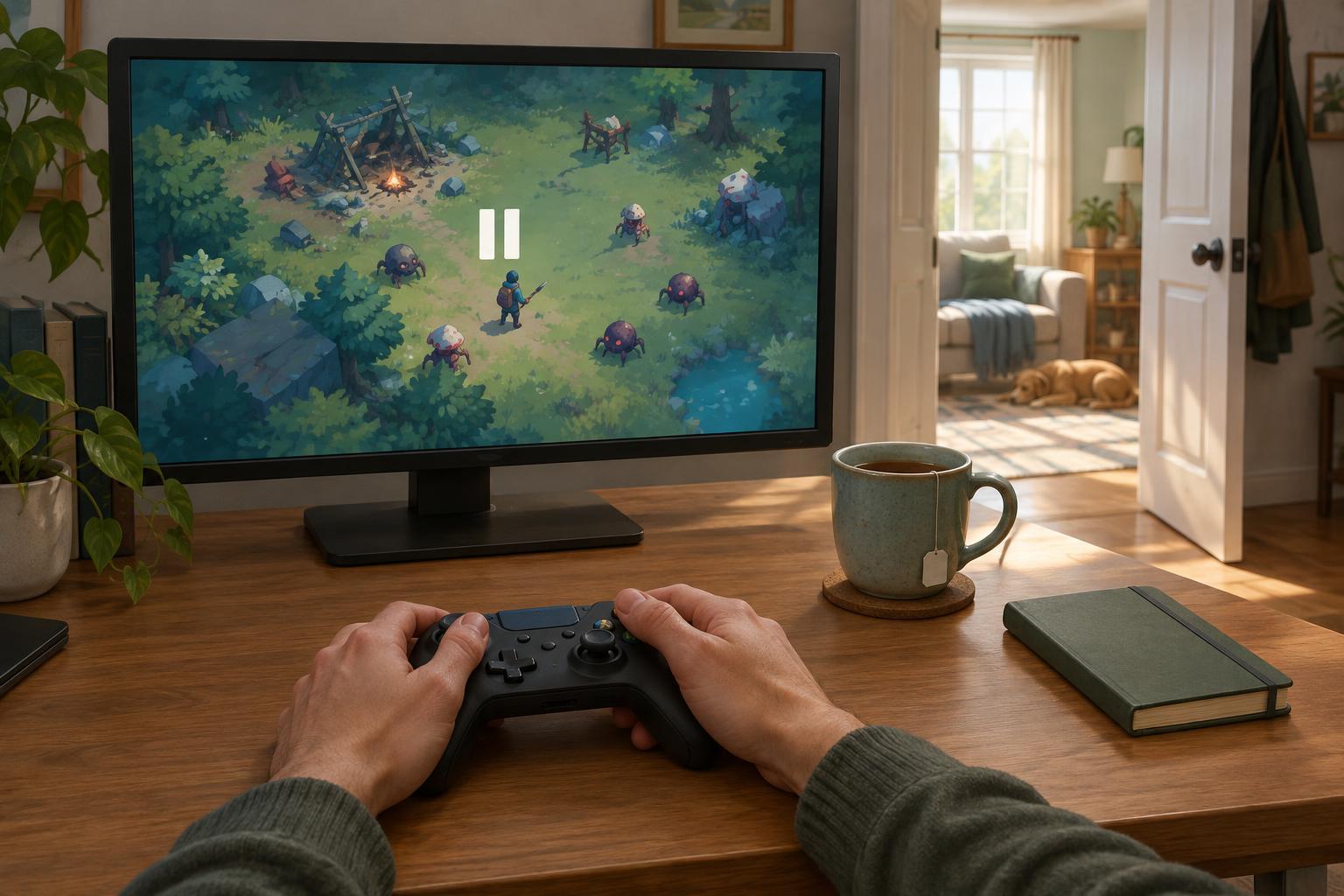
Start a low-stakes run and open the pause menu. Check whether enemies, timers and effects stop, and whether you can inspect your build or settings without resuming play. Some games pause during upgrade selection but not during every other menu. Online or shared sessions may also behave differently from solo play. Testing this early is easier than discovering a limitation when you need to step away.
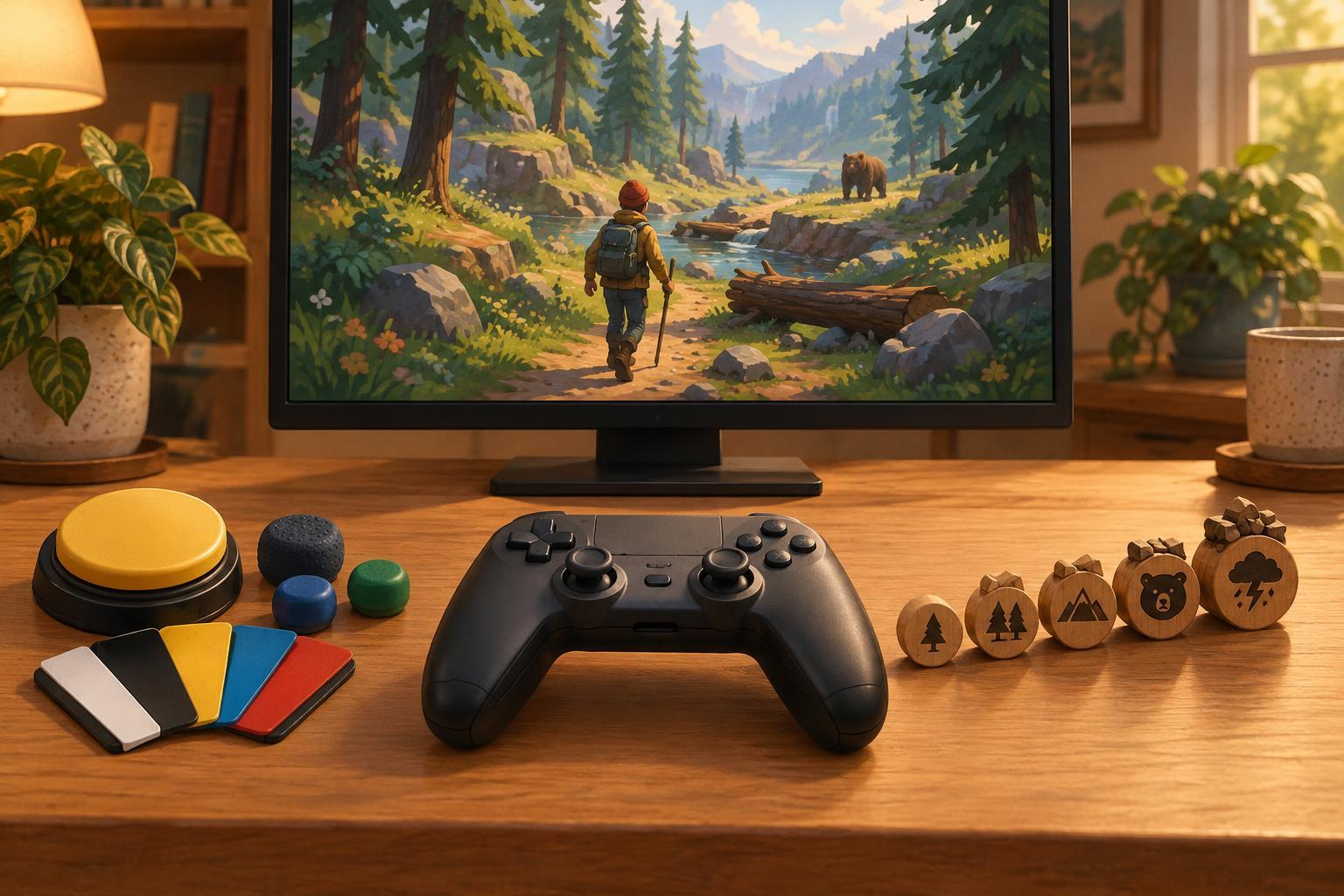
Make pausing easy to do under pressure. Look for a button mapping you can reach reliably, especially if you play with one hand, use an adaptive controller or sometimes need to put the controller down quickly. If remapping is available, place pause where it is unlikely to be pressed by accident but does not require an awkward combination. When you return, take a moment to locate your character and nearby hazards before closing the menu.
Use slower play for decisions, not just reactions
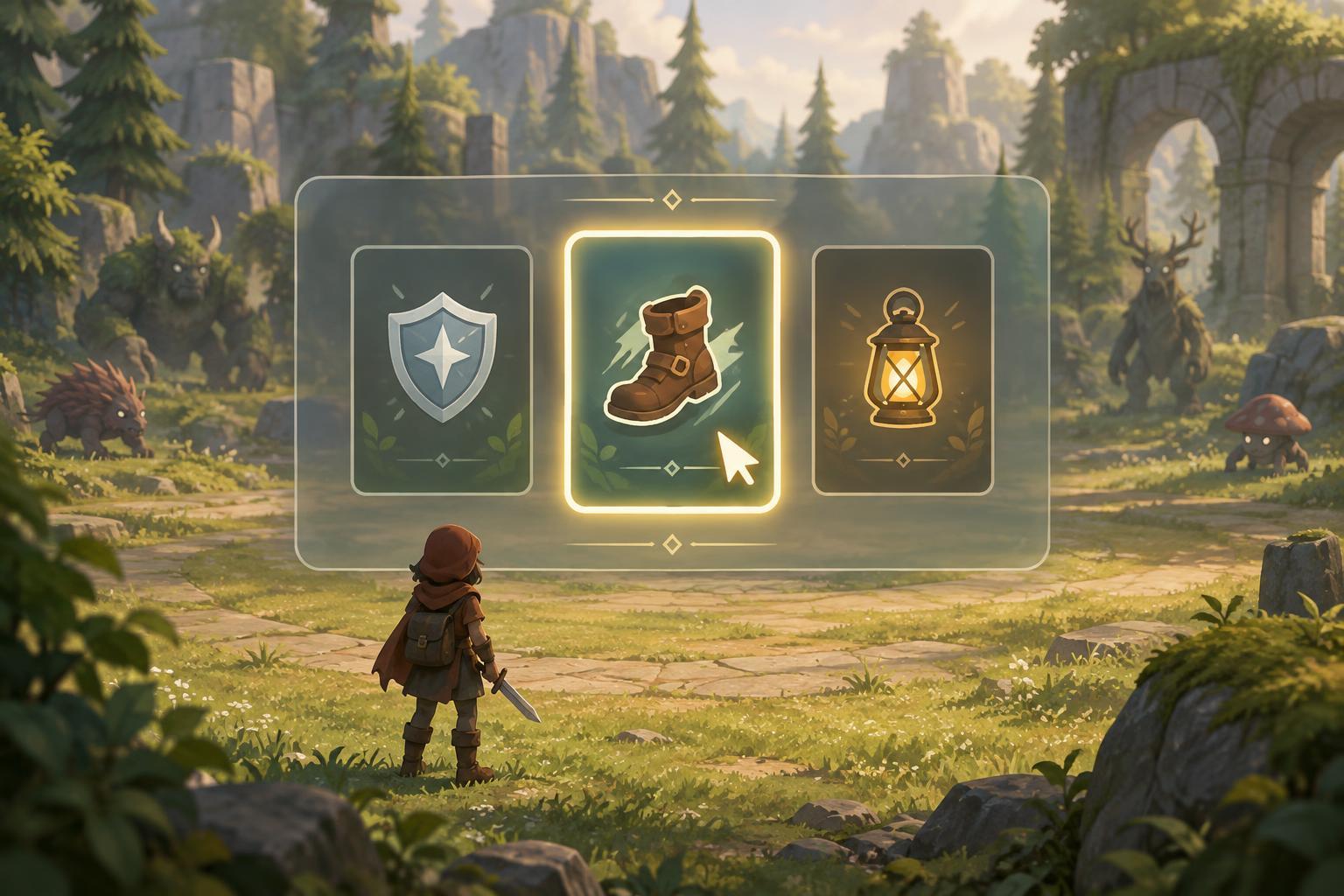
Slow-motion, adjustable game speed and reduced enemy speed are not identical features, but each can create more room to process what is on screen. If a game offers them, try a lower speed while learning enemy patterns or comparing upgrades. It may help you notice safe paths and understand how a new ability works. It can also make a run take longer in real time, which matters if you have a limited window to play.
Look beyond a speed slider, too. Options such as clearer effects, reduced screen shake, stronger contrast or simpler controls may make decisions easier without extending a session. Change one setting at a time so you can tell what helps. There is no need to preserve the default difficulty or pace if another setting makes the game more comfortable and enjoyable for you.
Check when progress is saved
The word “save” can refer to several things. A game might record permanent unlocks after each run, resume an unfinished run from an autosave, or allow a manual save only at certain points. An exit button may save progress, end the run, or do neither. Before relying on any of these behaviors, read the in-game descriptions and try leaving and returning during a run you do not mind losing.
Pay attention to checkpoints as well as saves. If a checkpoint restores you to an earlier wave or room, you may need to replay part of the session. If only between-run progress persists, plan to finish a run before closing the game. Platform features that suspend a game can be convenient, but they are worth treating as a bonus rather than your only plan for keeping progress.
Build a session you can leave
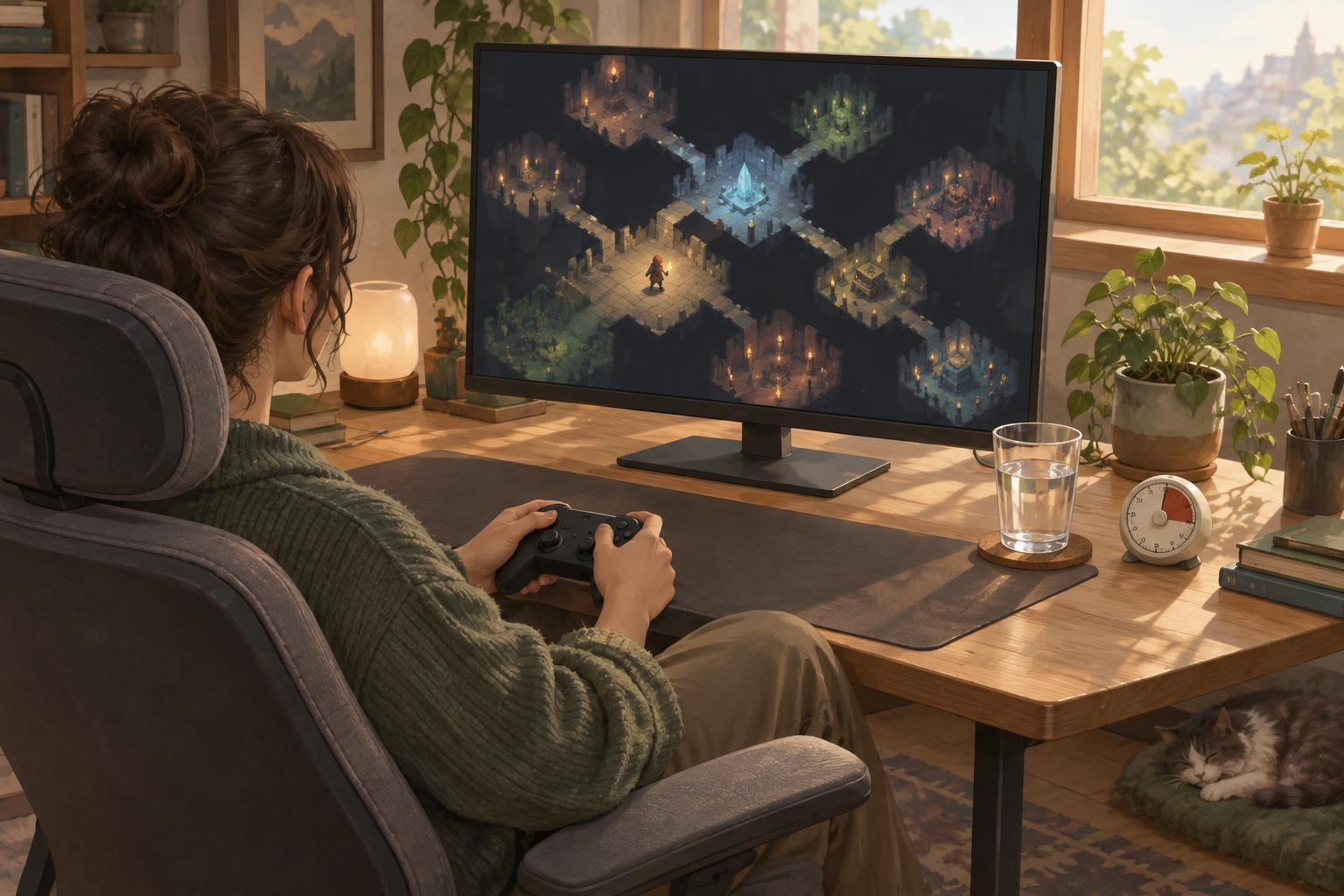
When interruptions are likely, choose a mode and goal that suit the time you have. A short run, a single unlock attempt or practice with one weapon gives you a natural stopping point. Before a longer run, confirm that pause works and that you know how to exit safely. If you need to stop, pause first; then decide whether to resume soon, save, or accept ending the run.
After returning, give yourself a quick re-entry routine: check your health, identify your current abilities, scan for the nearest safe route and recall your immediate goal. This small pause can prevent the first few seconds back from feeling like a surprise test. Survival Arcade Journal is an independent editorial site, not an official game service; feature names and behavior vary by game, so the most useful plan is the one you have tested in the game you play.