Why sound cues need a visual counterpart
In a crowded survival or arcade-style game, a short sound can carry important information: an enemy has appeared off-screen, an attack is about to land, or an objective is ready. Those cues are easy to miss when the soundtrack is loud, the room is noisy, or a player is gaming without audio. Captions and visual alerts give players another way to notice the same event.
The goal is not to put every noise on-screen. It is to make consequential cues available without requiring players to listen. A warning that affects the next decision deserves more attention than a decorative sound that adds atmosphere. Thinking in those terms helps players choose useful settings and helps designers decide which events need a visual signal.
Check what captions actually tell you
Subtitles usually display spoken words. Captions may also identify non-speech sounds, such as an approaching threat or a triggered ability. Games use these labels differently, so check the options menu and try a short encounter rather than assuming a subtitle toggle covers every important cue.
Useful captions answer more than “what happened?” when the answer matters to play. An off-screen warning is easier to act on if the text identifies the event and, where possible, its direction. Text such as “enemy approaching from the left” gives a player a clearer choice than “enemy sound.” Direction labels need not be exact to be helpful, but they should not imply precision the game cannot provide.
Readability matters as much as content. If a game offers caption size, background opacity, or placement controls, test them during a busy moment. Text that looks clear on a quiet menu may disappear against effects or sit directly over a health bar. Choose a setup you can glance at while still watching your character.
Use visual alerts without flooding the screen
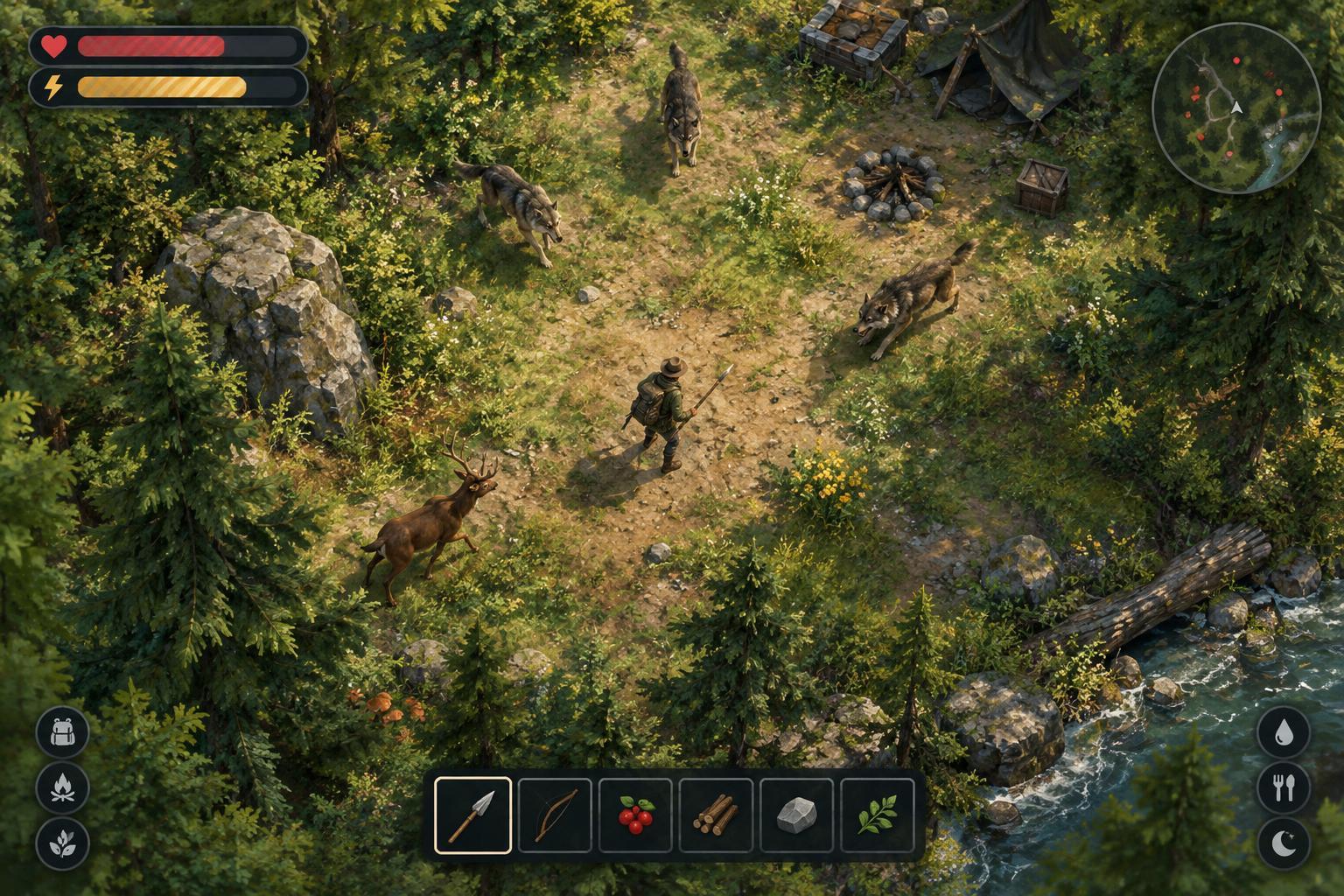
Visual alerts can take the form of a screen-edge marker, an icon near the character, a brief flash, or a change to an existing interface element. Each has a different job. An edge marker can point toward an off-screen threat; an icon can confirm that an ability is ready; a short, localized flash can draw attention to an imminent attack. Clear placement often matters more than making an alert large.
If the game lets you adjust alert intensity or turn on reduced visual effects, look for a balance between visibility and clutter. An alert should remain recognizable among projectiles and damage numbers, but constant flashing can make it harder to spot the event it is meant to announce. Players who find a signal uncomfortable or distracting can try a steadier indicator if one is available.
Color alone is a fragile way to communicate urgency. Shape, position, labels, or motion can help distinguish a warning from a routine notification. For example, a directional arrow conveys different information from a centered status icon even when both appear in the same color. Consistency also helps: if the same icon always means an incoming attack, players can learn it without rereading it each time.
Test the setup in a low-pressure run
Start by identifying two or three sounds that change how you play, such as a spawn warning, a cooldown signal, or a low-health cue. Enable available captions and visual alerts, then watch for those events during an early, familiar part of a run. This makes it easier to judge whether the cue appears soon enough and remains visible when the screen gets busy.
Check your attention, not just the menu setting. Did you notice the alert while moving? Could you tell what it meant without stopping? Did it overlap a map, timer, or other information you rely on? If the interface is adjustable, change one setting at a time and test again. You may find that a smaller caption with a solid background works better than larger text over the action.
Controls can support the same goal. Rebinding a frequently used action, choosing a comfortable input method, or lowering effects that obscure the playfield may free up attention for visual cues. These changes do not replace captions, but they can make a visual-first setup easier to use during fast decisions.
Make important information available in more than one way
For designers, a useful test is to play a critical encounter with sound muted. If a player cannot identify a threat until it hits, consider adding a caption or visual warning at the point when the sound plays. Then test with the screen busy: a signal that works only when nothing else is happening is unlikely to help in the moments that matter most.
For players, the best setup is the one that makes cues understandable without demanding constant attention to a single corner of the screen. Captions can explain an event, while visual alerts can show where and when to react. Used together, they make sound cues less of a gatekeeper and give more players a fair chance to respond.