Why the space between runs matters
In a roguelite, a run ending is part of the normal play loop. The next few actions—reviewing results, choosing upgrades and starting again—may happen many times in one session. Even if movement and combat feel comfortable, that transition can become tiring when it requires repeated button presses, precise cursor movement or a rush through several screens.
A useful accessibility check is to treat the end-of-run sequence as part of the controls, not as a break from them. Notice where the cursor lands, whether a held input carries into the next screen and how easily you can return to a previous menu. These details affect how confidently you can make your next choice.
Check what happens when a run ends
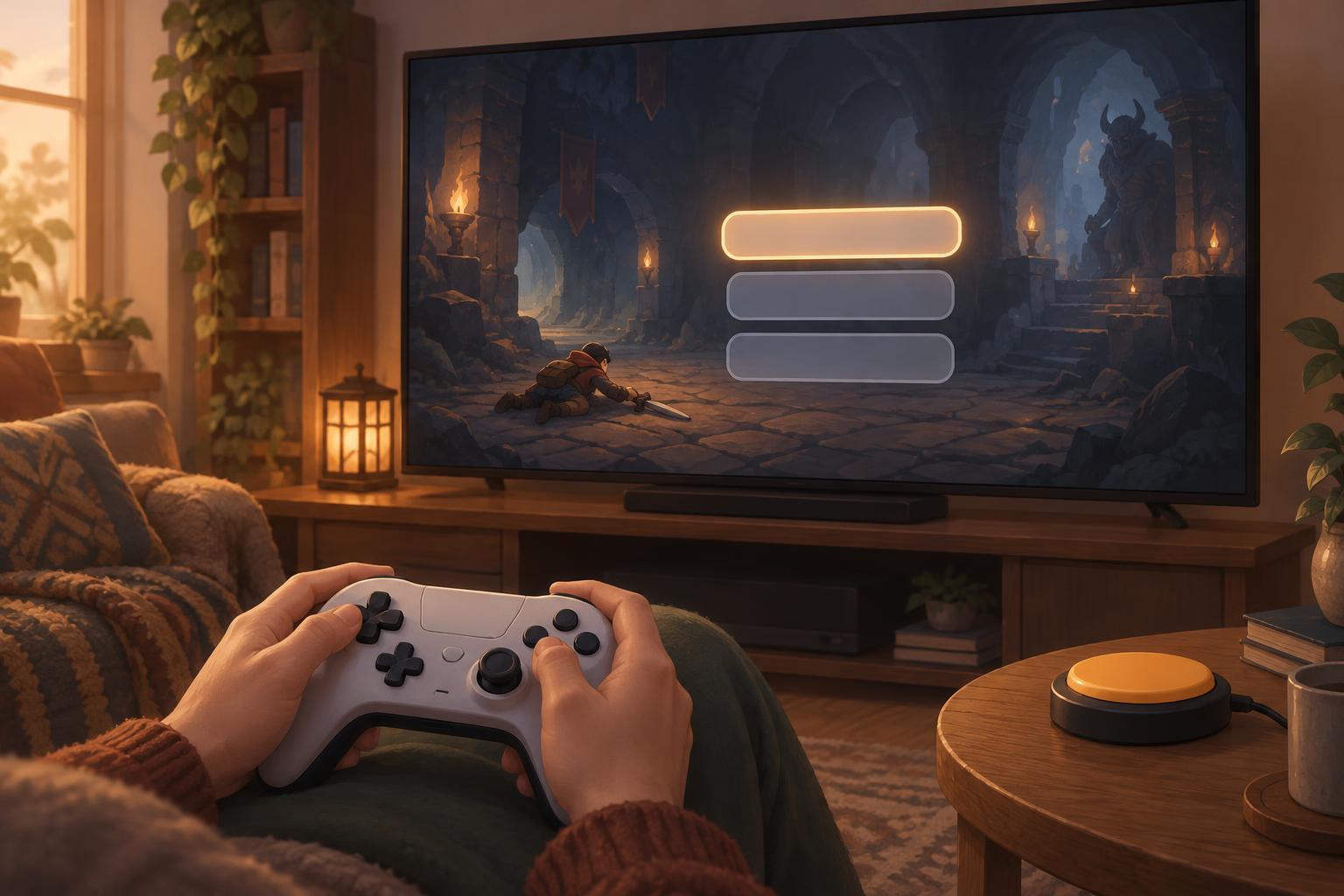
After a run, pause before pressing anything. Look for the currently highlighted option and read the available choices. If the menu opens with “Retry” selected, a quick confirmation may skip information you wanted to see. If “Quit” is nearby, hurried directional inputs may select it by mistake. Learning the menu’s default focus helps you slow down only where it matters.
Pay attention to whether results and upgrade screens can be revisited. Some games let you move freely between them; others advance once you confirm. When a choice cannot easily be undone, give yourself a moment to read it before pressing confirm. If the game allows pausing on these screens, use that time rather than treating the menu as another timed challenge.
Reduce effort before choosing retry
A restart can involve more than one action: dismissing results, spending a reward, selecting a character or loadout and then confirming a new run. Where the game offers persistent selections, check whether it remembers the setup you prefer. Keeping a familiar starting choice can reduce menu work, while changing one choice at a time can make experiments easier to track.
If you use a controller, test whether the directional pad or stick feels more reliable in menus. If you use a mouse, notice whether small targets demand more precision than you find comfortable. Some games offer separate menu-navigation bindings, input-repeat settings or options for skipping animations; others do not. Use the settings that exist in your game, and avoid assuming a combat control change will also affect menus.
Consider a brief pause between runs when inputs start to feel automatic. Repeatedly pressing confirm can turn a deliberate upgrade choice into an accidental one. A simple routine—read the highlighted option, make the choice, then confirm—may be slower for a few seconds but can save the frustration of restarting with an unintended setup.
Look for forgiving menu design
For anyone evaluating or designing a retry flow, predictability is more useful than sheer speed. Clear focus indicators show which option will activate. Consistent button meanings help players move between results, upgrades and setup screens without relearning the controls. A back action and confirmation for high-impact choices can make mistakes easier to avoid or recover from.
The quickest path should not be the only usable path. A prominent retry option suits players who want another run immediately, while readable results and unhurried upgrade choices suit players who need more time. When a game makes both paths clear, the transition between runs feels less like menu management and more like a choice about what to try next.