Start with the information that changes your next move
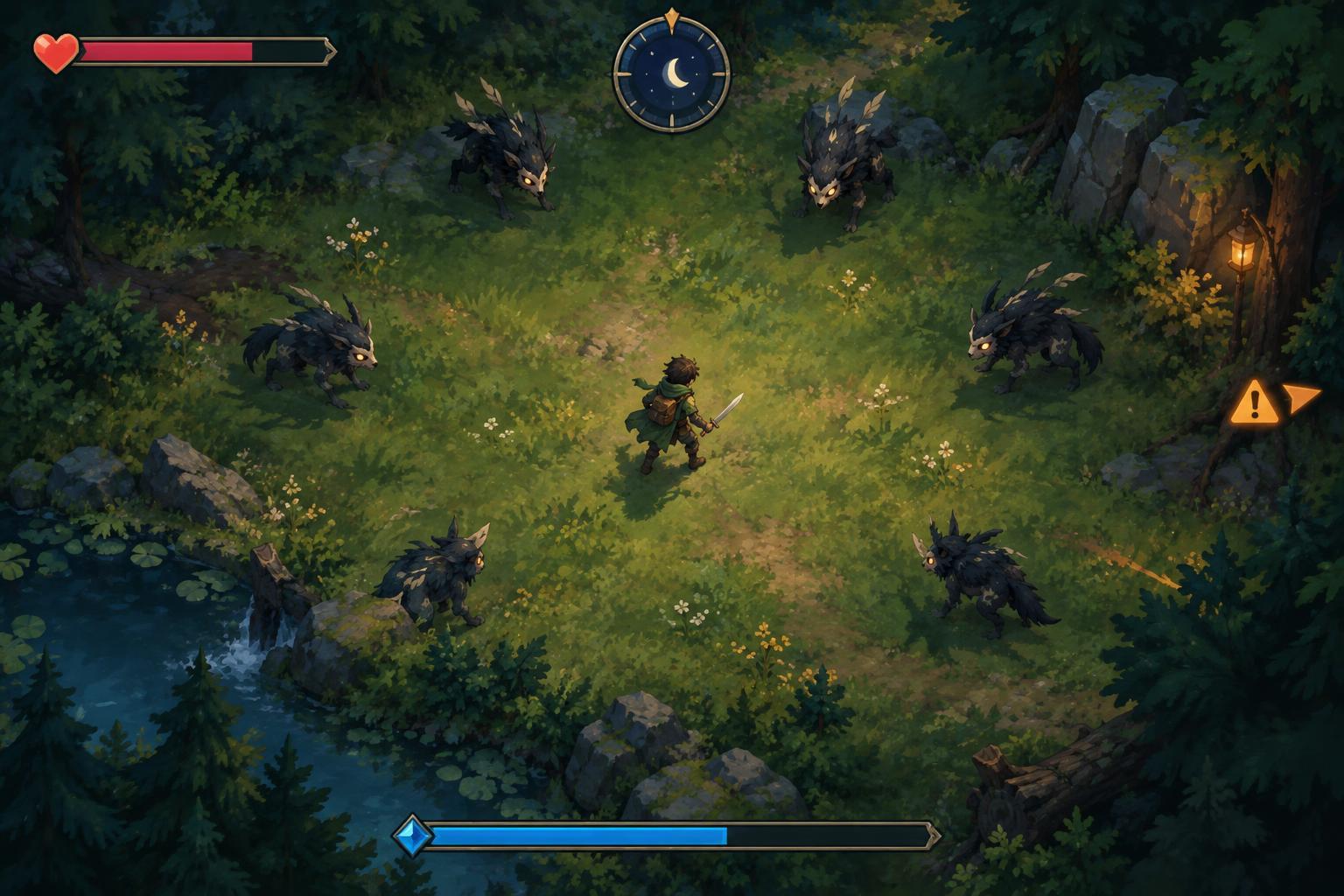
A heads-up display, or HUD, puts useful information around the play area: health, a clock, progress bars and status icons. In a busy survival game, trying to read everything at once can be as distracting as ignoring it. Instead, ask a simple question whenever you glance away from the action: what on this screen might change my next move?
The answer is usually health first, then an immediate warning, then a longer-term measure such as the timer or experience bar. This is a reading order, not a fixed rule. A flashing objective marker may matter more than a nearly full experience bar. Spend your first few moments in an unfamiliar game locating each display element while the screen is relatively calm. Notice which numbers count up, which bars drain and which icons appear only temporarily.
Health shows your margin for error
Health may appear as a bar, hearts, a number or a combination of these. Whatever its shape, it tells you how much damage you can absorb before a run ends or a penalty occurs. Look closely for a second layer: some games distinguish health from shields, armor or temporary protection. A bar refilling after a hit may be a shield recovering, not your health returning.
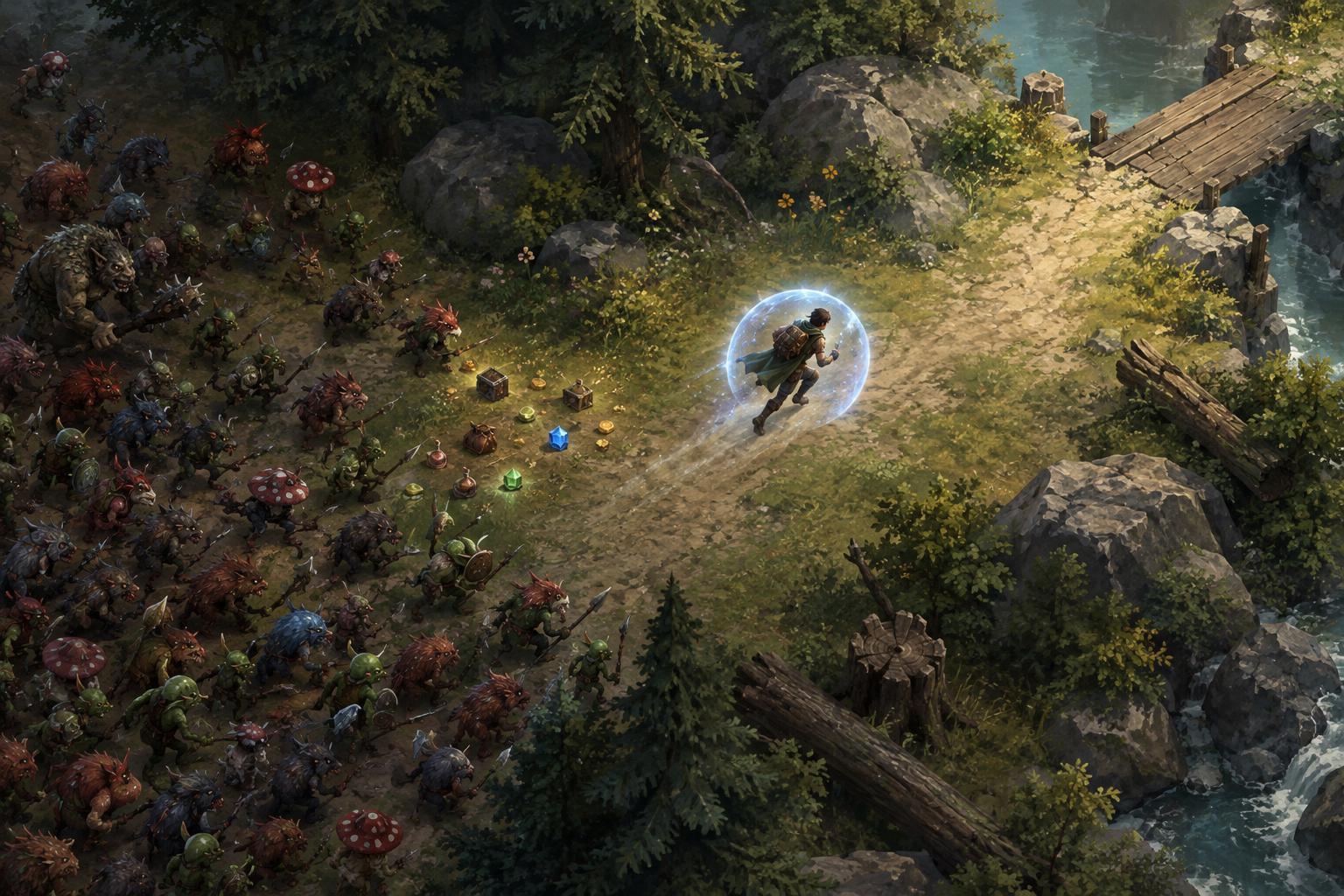
Current health matters alongside the ways you can restore it. If healing is scarce, even a small hit may affect where you travel next. If a protective effect is active, you may be able to cross a crowded area more safely, but first check whether that effect has a duration or limited uses. Avoid treating the bar as a precise measure of how many hits remain: enemy damage, hazards and defensive effects can vary.
A practical habit is to check health after escaping a dense group, rather than while steering through it. If it has fallen more than expected, widen your route and give yourself room to identify the source of damage. Some games offer visual or sound cues when health is low; use them as prompts to check the HUD, not as a substitute for knowing your position.
Timers tell you what kind of pressure is coming
A timer can measure time survived, time until an event, time remaining to finish an objective or the duration of an active effect. These meanings lead to different decisions. A clock counting upward may help you anticipate changes in enemy pressure. A countdown may instead call for movement toward an exit or objective. Read any nearby label before assuming that reaching zero is either a victory or a failure.
The clock is most useful when paired with what you see on the field. If space is tightening and an event timer is nearly finished, consider whether you have a clear route before it triggers. If the timer is only a record of survival time, watch for patterns across your own attempts without assuming every minute brings the same event. In games with several clocks, separate the run timer from short cooldowns shown near abilities or equipment.
Experience bars turn movement into future choices
Experience is often shown as a bar that fills when you collect drops or complete actions. When it fills, you may gain a level and choose an upgrade. That makes the meter more than a score: it tells you how close you are to a decision that could change your build. Some games pause for that choice; others may not, so learn whether you must find safety before opening or reading an upgrade screen.
A nearly full bar can make a cluster of experience drops tempting, but check the route before chasing them. Taking repeated damage for a small amount of progress may leave you worse off after the level-up. Conversely, if the path is open and your build needs a key upgrade, collecting nearby drops can be more useful than circling aimlessly. Treat experience as one reason to move, balanced against health and available space.
Read warning icons as instructions to investigate
Warning icons vary widely. A symbol might indicate poison, a slowed movement speed, an incoming attack, an off-screen enemy or an objective under threat. Its placement can offer a clue: icons attached to your character often describe your status, while indicators at the edge of the screen may point toward something outside your view. Color and animation can help draw attention, but the symbol’s exact meaning depends on the game.
When an unfamiliar icon appears, look for a tooltip, pause menu, control guide or in-game glossary if one is available. If the game gives no explanation, observe when the icon appears and disappears during a safe moment. Do not assume that two similar-looking symbols have the same effect in different games.
Finally, adjust the interface when the game allows it. Larger HUD elements, stronger contrast, reduced visual effects or clearer audio cues can make important information easier to notice. The aim is not to stare at the display. It is to develop a quick rhythm: scan your path, glance at the HUD, make one decision and return your attention to movement. This is an independent editorial guide to common survival-game interfaces, not a guide to any one game’s official rules.